JPG, PNG or HEIC, up to 30 MB. Uploaded photos are deleted automatically within 1 hour. Privacy Policy
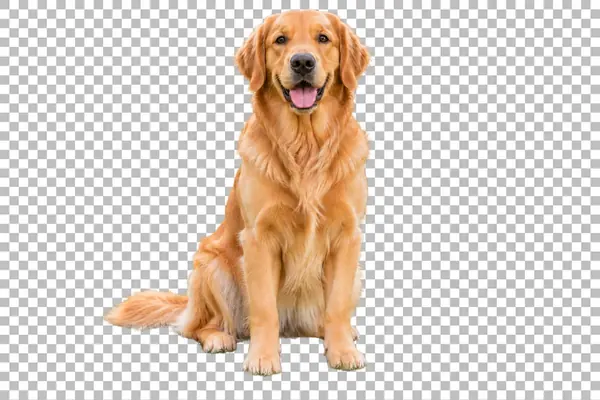
Drag the slider to compare. These are real results of this tool. The checkerboard shows the parts that are transparent.
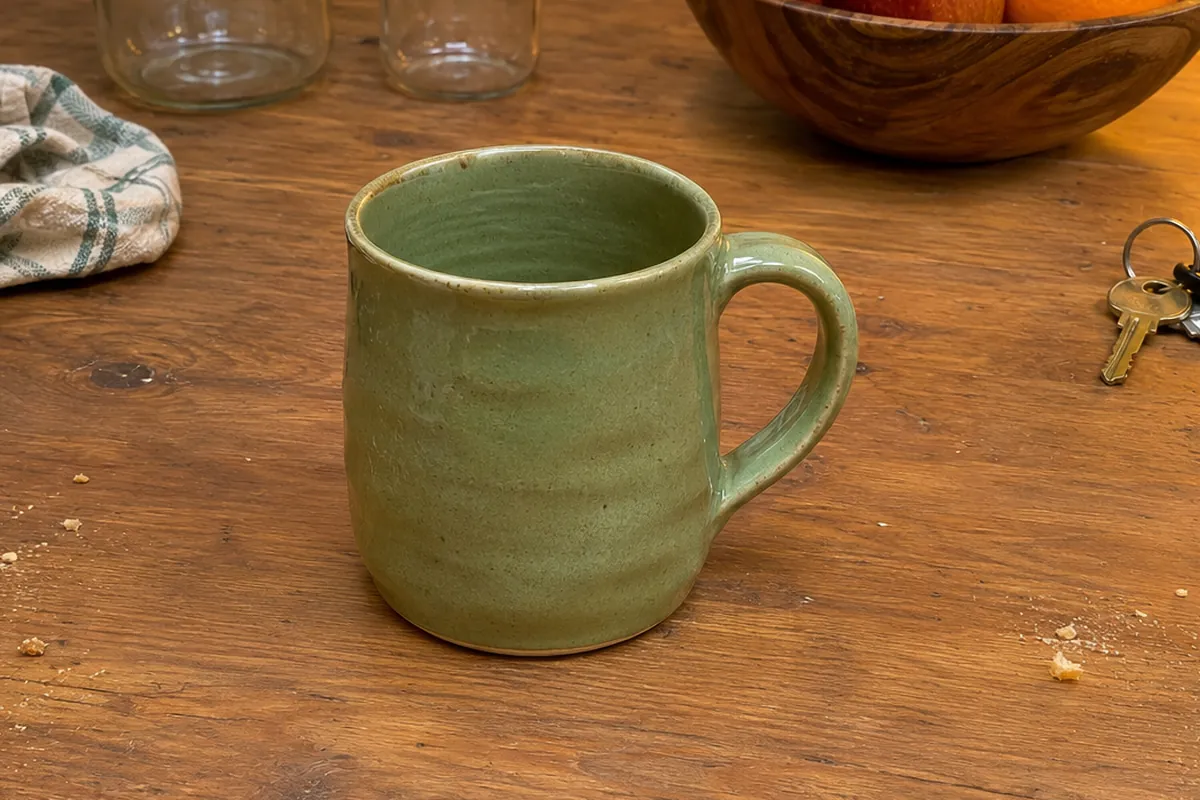 Before
After
Choose a JPG, PNG or HEIC photo, drop it on this page or paste it. The background is removed automatically in a few seconds.
The checkerboard shows what is transparent. Switch between Hair & fur and Smooth edges, or use the brush to erase or restore a spot.
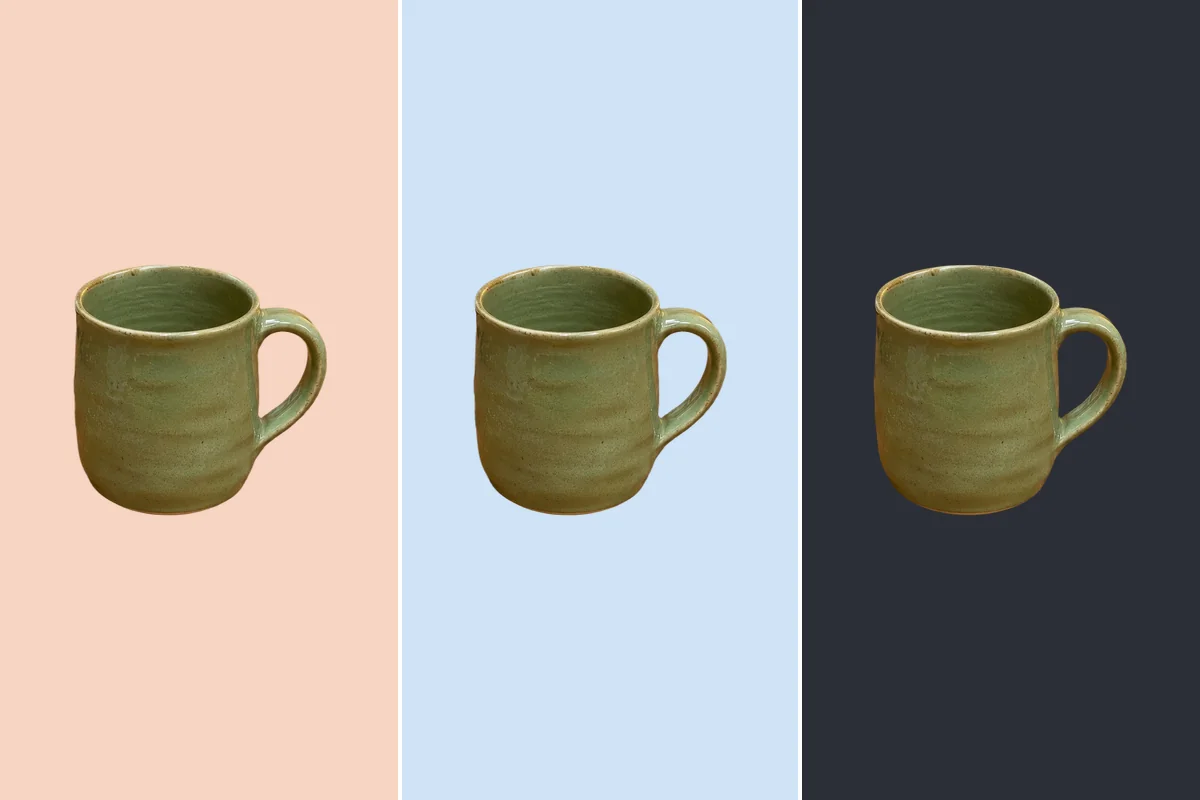
Leave the background transparent and download a PNG. The preview is free; the full-resolution PNG costs 1 credit.
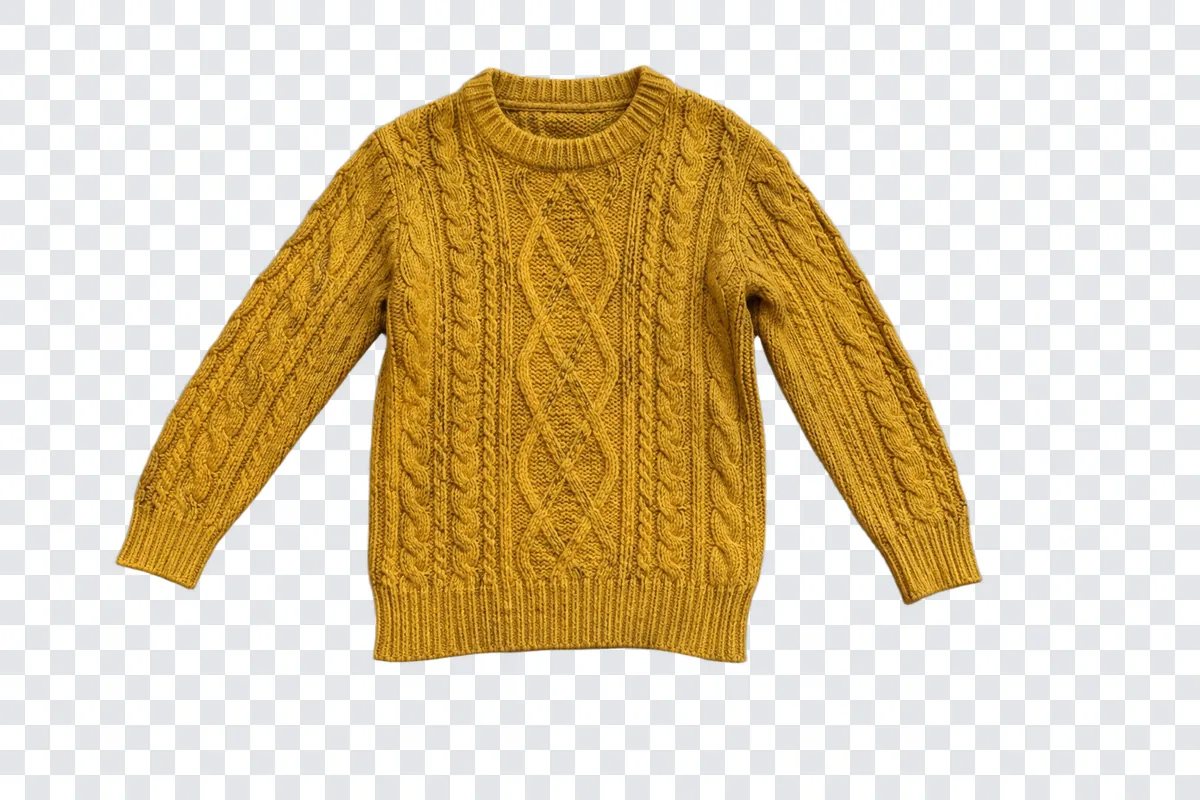
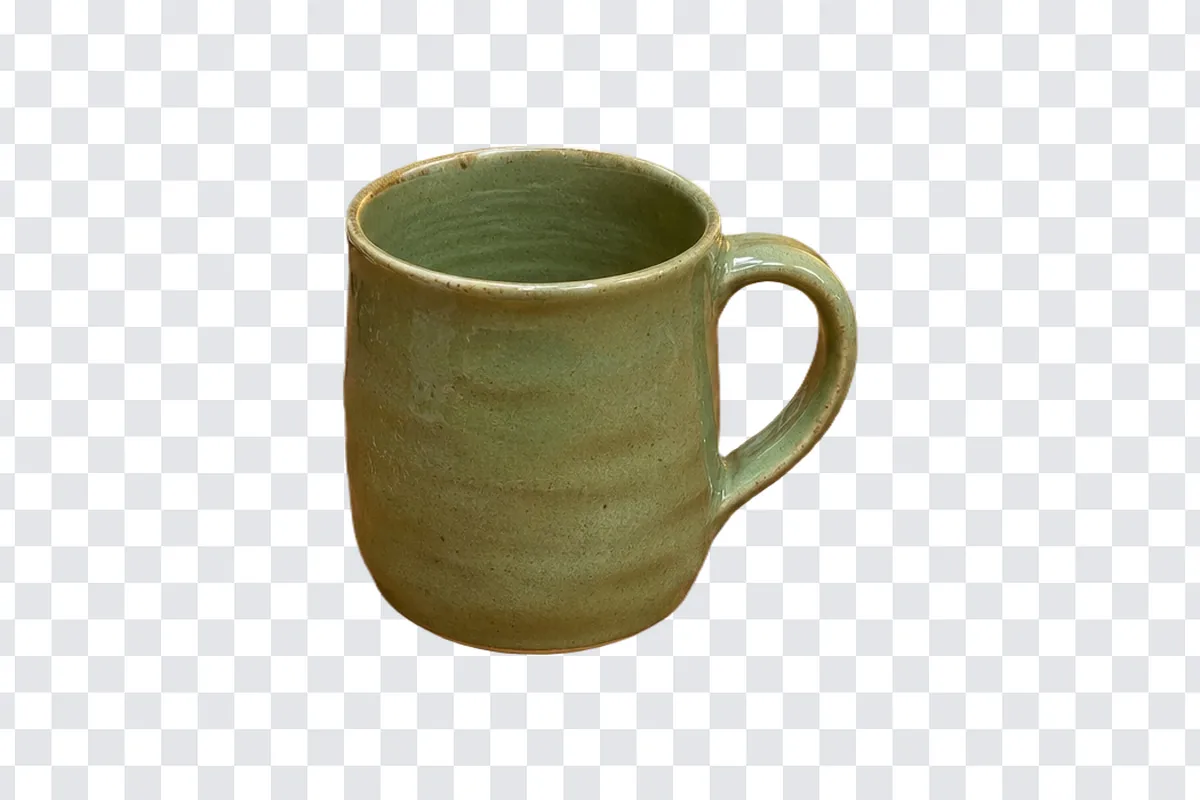
Place the same product on any page, banner or template without a box around it. For marketplaces that ask for white, use White Background instead.
White backgrounds
A transparent logo sits on any color: a website header, a slide or a video. Check it on a dark and a light color before you use it.
Make a logo transparent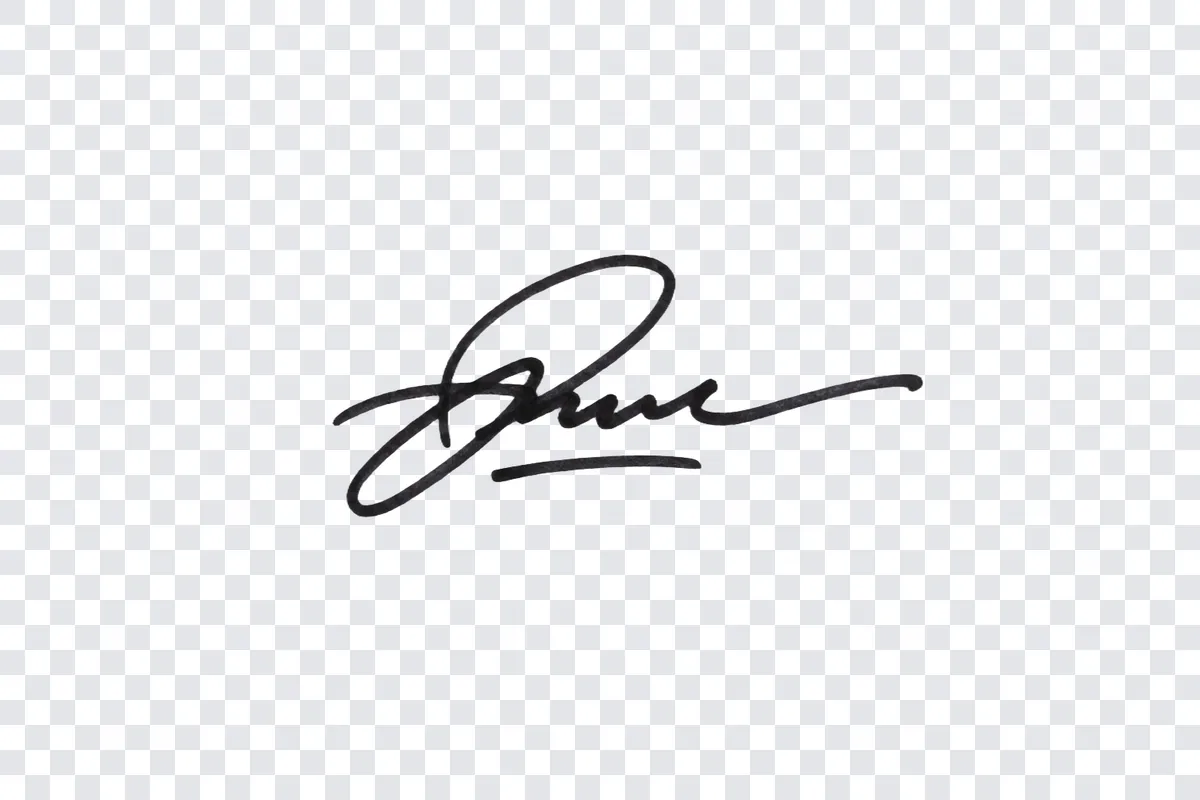
Sign on white paper, take a photo and remove the paper. The PNG sits on the signature line of a document without covering it.
Make your signature transparent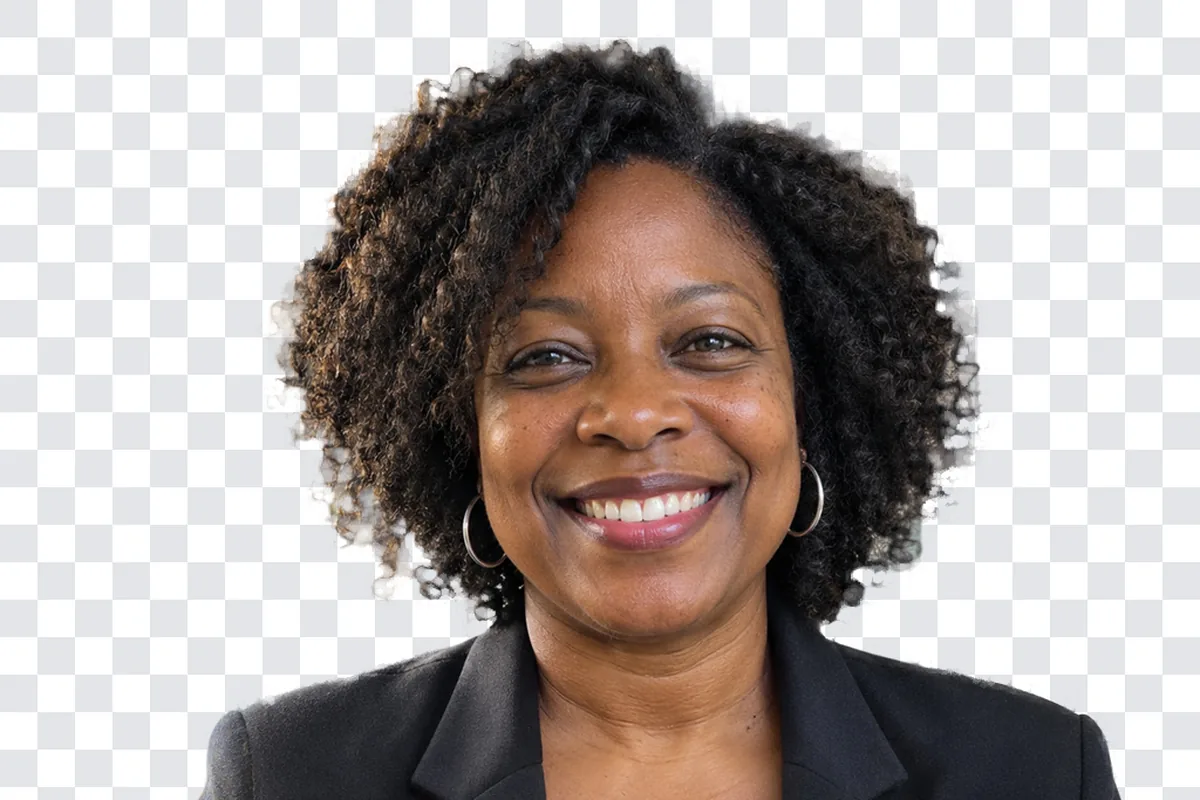
Cut out a person, a pet or an object and use it in Canva, PowerPoint, Photoshop or any app that opens PNG files.
An image with a transparent background has no background color at all: only the subject has pixels, and whatever is behind the image shows through. Editors show the empty area as a gray and white checkerboard.
PNG. With a transparent background, the free download and the full-resolution download are both PNG files. A JPG can’t store transparency, so saving the image as a JPG fills the empty area with white or black.
Yes. You can make the background transparent and download the PNG for free in preview size, up to 600 pixels. The full-resolution PNG costs 1 credit per photo. Pricing
Some viewers show transparent areas as white or black. Place the PNG on a colored slide or page: the color shows through wherever the image is transparent.
Yes. Switch between Hair & fur and Smooth edges, check the edges at 100%, and use the brush to erase leftovers or restore parts that were removed.
Yes. With a free account you can drop up to 50 photos at once, use one photo’s background and size for all of them, and download them all in one ZIP file.
JPG, PNG and HEIC photos up to 30 MB, including photos straight from an iPhone.
Uploaded photos are deleted automatically within 1 hour. Privacy Policy
Yes. ChangeBackground works in the browser on phones, tablets and computers, with nothing to install.
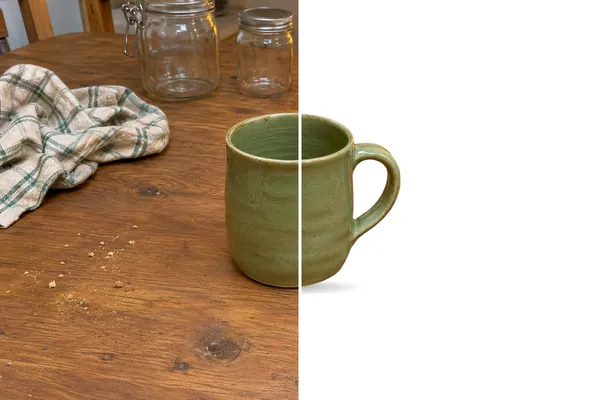 How to take product photos at home, and edit them for freeA window-light set-up, a shot list, marketplace photo rules, and a pure white background with a natural shadow.
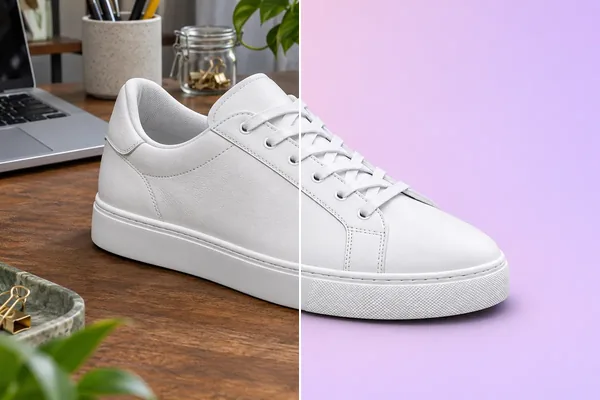 remove.bg moves to Canva: what changes on 1 December 2026What closes, what happens to your credits, and how to remove and change backgrounds here instead.
 How to make a logo background transparentTurn a logo on white into a transparent PNG for free, check it on dark backgrounds, and get the sizes right for the web and print.
 How to make a transparent PNG of your signatureThe right pen and photo, a transparent signature for Word, Google Docs and email, and when a pasted signature isn’t enough.