JPG, PNG or HEIC, up to 30 MB. Uploaded photos are deleted automatically within 1 hour. Privacy Policy
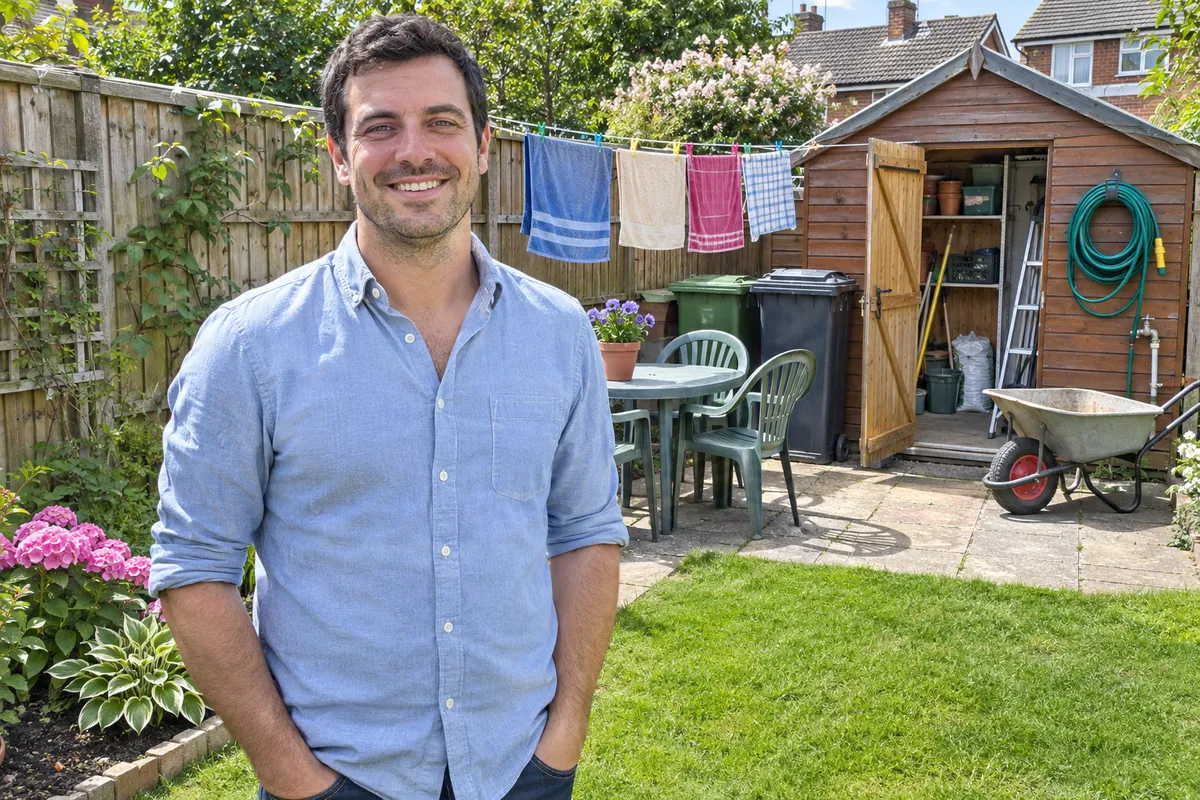
Drag the slider to compare. These are real results of this tool: the background blurred, the subject kept sharp.

 Before
After
Choose a JPG, PNG or HEIC photo, drop it on this page or paste it. The background is removed automatically in a few seconds.

Drag the Blur slider. A light blur keeps the place recognisable; a strong one turns it into soft colour. Brightness makes the background darker or lighter.
The preview download is free. The full-resolution photo costs 1 credit.

Stay sharp and soften a busy room behind you, for LinkedIn, a CV or a team page.
LinkedIn photo backgroundsBeforeAfterBlur what you would rather not share: the inside of your home, a house number, other people or a car plate in the background.
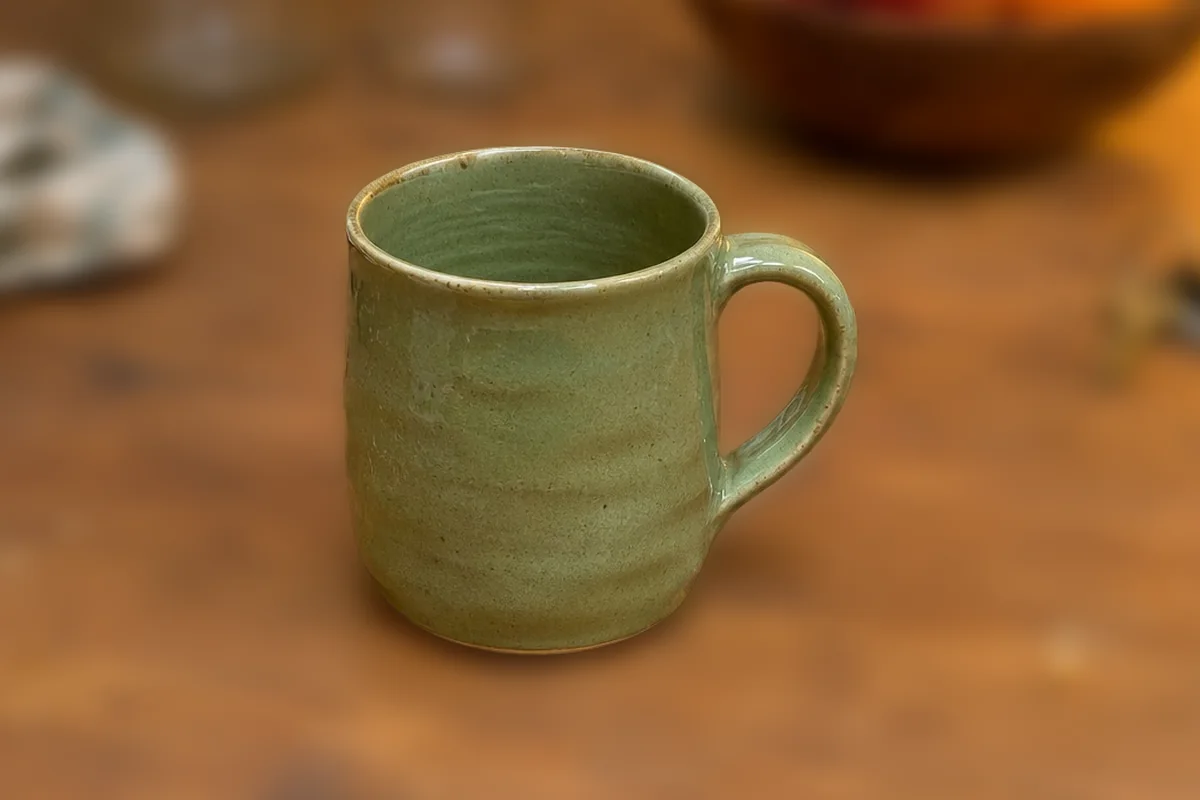
A soft background keeps the eye on the product and still shows where it is used. Marketplaces often want white for the main image, so use blur for the other pictures.
White backgrounds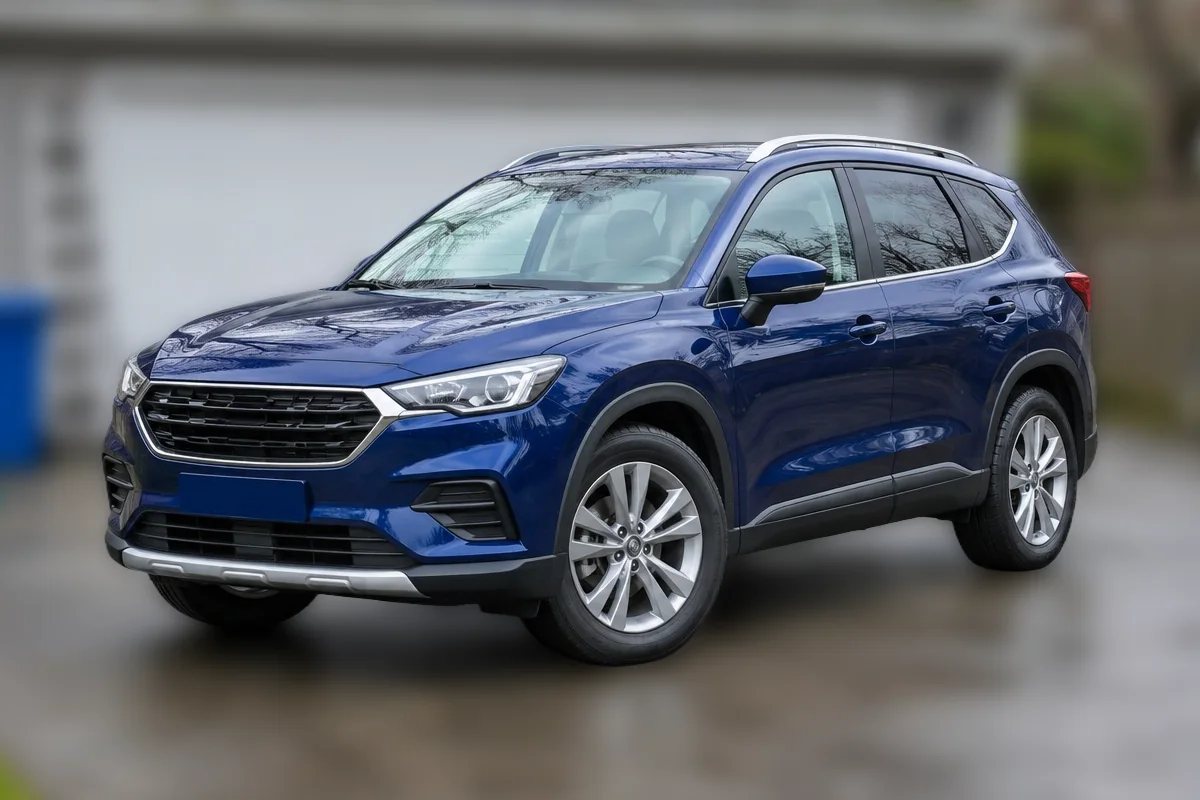
Soften the garage, the houses and the parked cars behind a car you are selling, while the car itself stays sharp.
How to take car photosUpload your photo on this page. The subject is cut out and the background is blurred automatically. Drag the Blur slider to set the strength, then download the free preview or the full-resolution photo.
It looks similar but works differently. Portrait mode on a phone blurs things more the farther away they are; here the whole background gets the same blur, which suits people, products and cars in front of it.
Not while the background is blurred: the blurred background is your own photo, so the subject stays where it was. To move it, pick a color, a gradient or a background photo instead.
Yes. You can blur the background and download the result for free in preview size, up to 600 pixels. The full-resolution download costs 1 credit per photo. Pricing
Yes. The Brightness slider under Blur makes the blurred background darker or lighter, so the subject stands out more.
No. The whole background is blurred evenly. To hide one thing completely, remove it with Remove Object first. Remove Object
JPG, PNG and HEIC photos up to 30 MB, including photos straight from an iPhone.
Uploaded photos are deleted automatically within 1 hour. Privacy Policy
Yes. ChangeBackground works in the browser on phones, tablets and computers, with nothing to install.
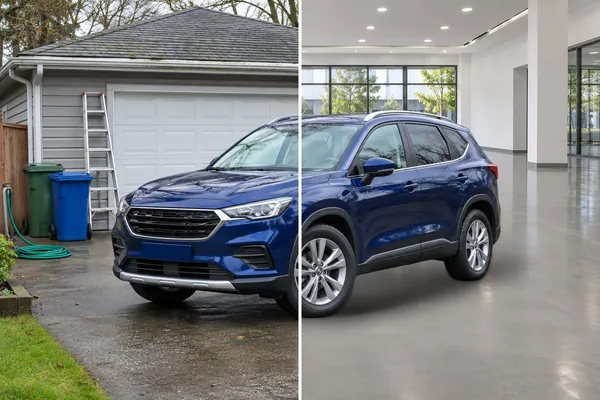 How to take car photos that sell, and edit them for freeA shot list, the right light and camera height, and a clean background with a shadow under the wheels.
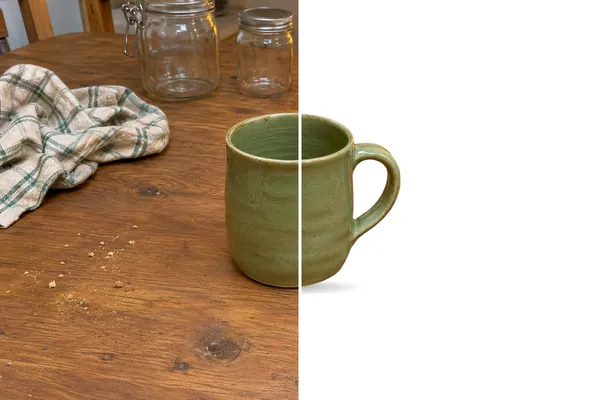 How to take product photos at home, and edit them for freeA window-light set-up, a shot list, marketplace photo rules, and a pure white background with a natural shadow.
 How to choose and change your LinkedIn photo backgroundBackgrounds that work, LinkedIn’s size rules, and a studio or office backdrop for your headshot without touching your face.
 How to blur the background of a photoBlur any photo’s background online, or while you shoot with portrait mode or a camera, and check the edges.