JPG, PNG or HEIC, up to 30 MB. Uploaded photos are deleted automatically within 1 hour. Privacy Policy
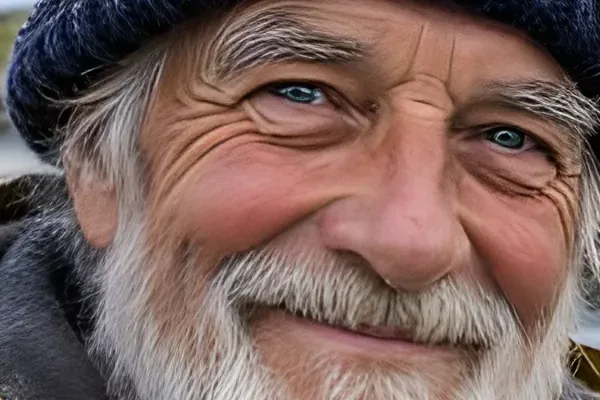
Drag the slider to compare. These are real results of this tool, on a pure black background.
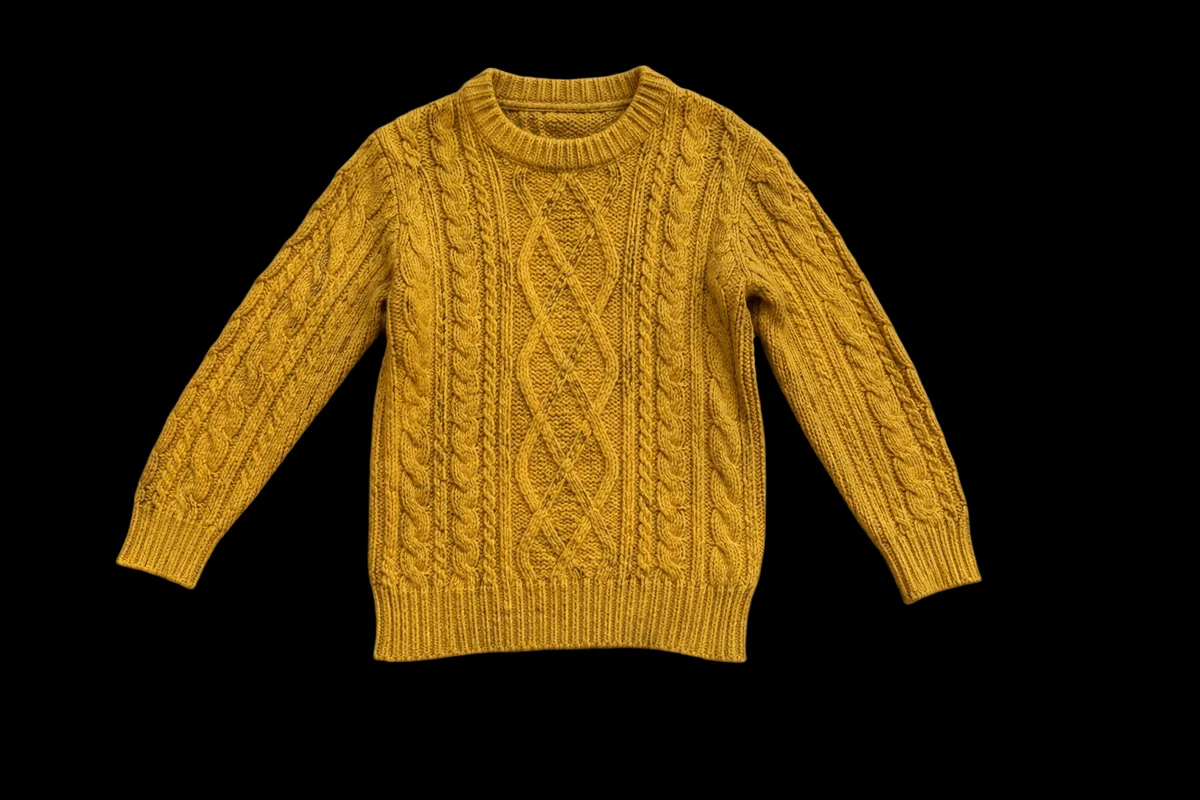
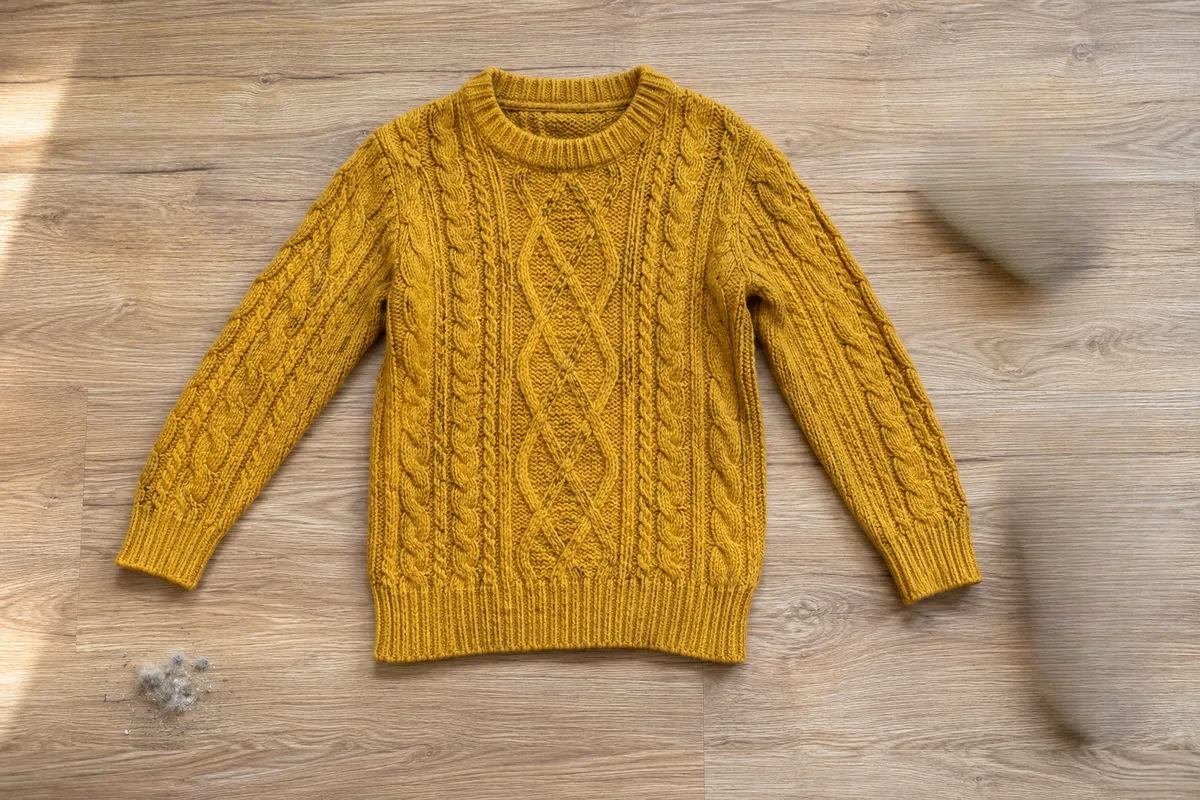 Before
After
Choose a JPG, PNG or HEIC photo, drop it on this page or paste it. The background is removed automatically in a few seconds.
Your photo comes up on pure black. Move or resize the subject, or pick a dark gray if the subject is dark itself.
The preview download is free. The full-resolution photo costs 1 credit.
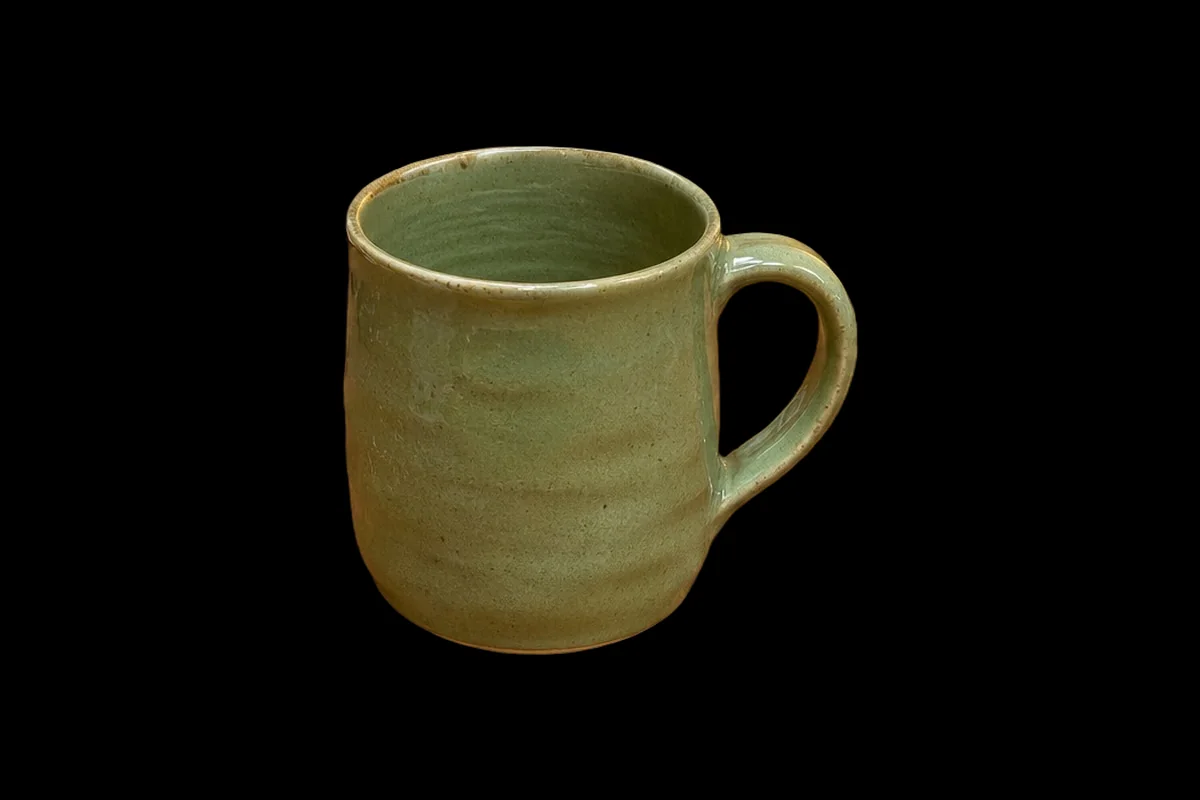
Black makes colors, gloss and metal stand out, which suits jewelry, watches, cosmetics and bright products. Light and colorful products work best.
Bright clothes stand out on black for social posts and lookbooks. Lay them flat in daylight so the colors stay true.
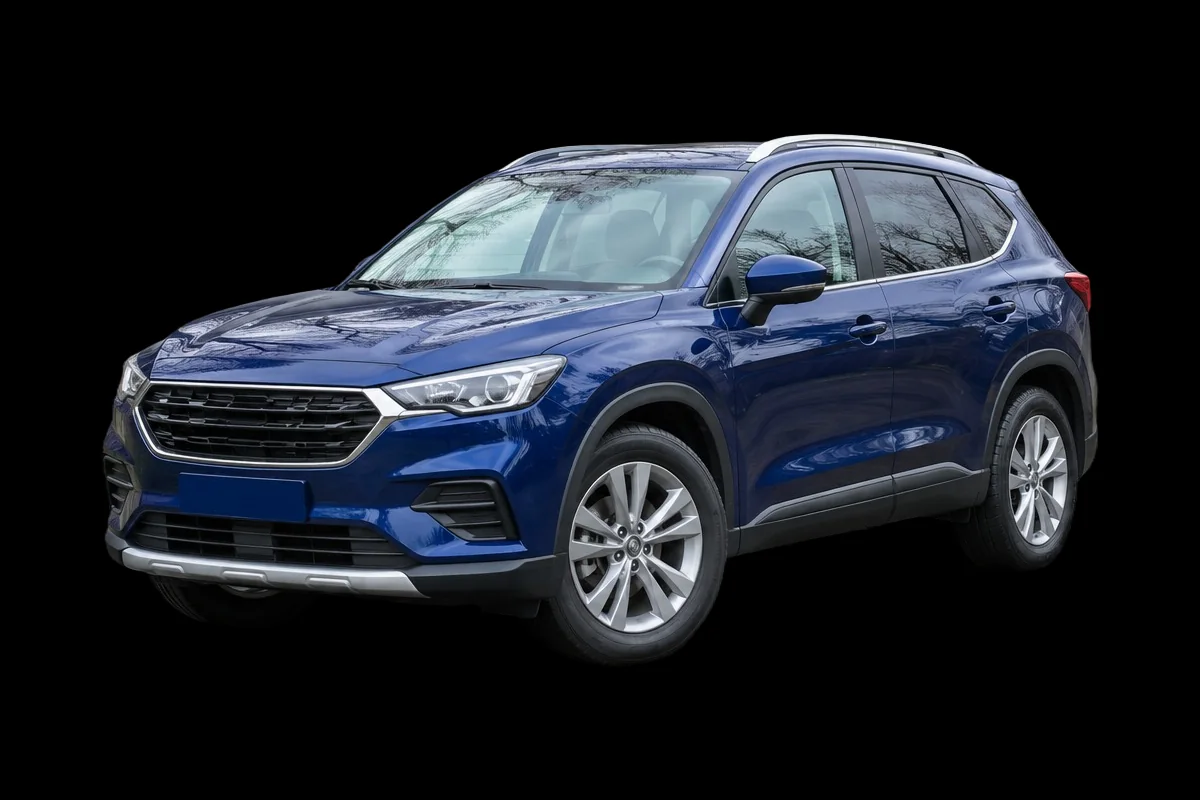
How to take product photosA car on black looks like a studio shot, without the driveway, the street or the neighbors’ houses.
How to take car photos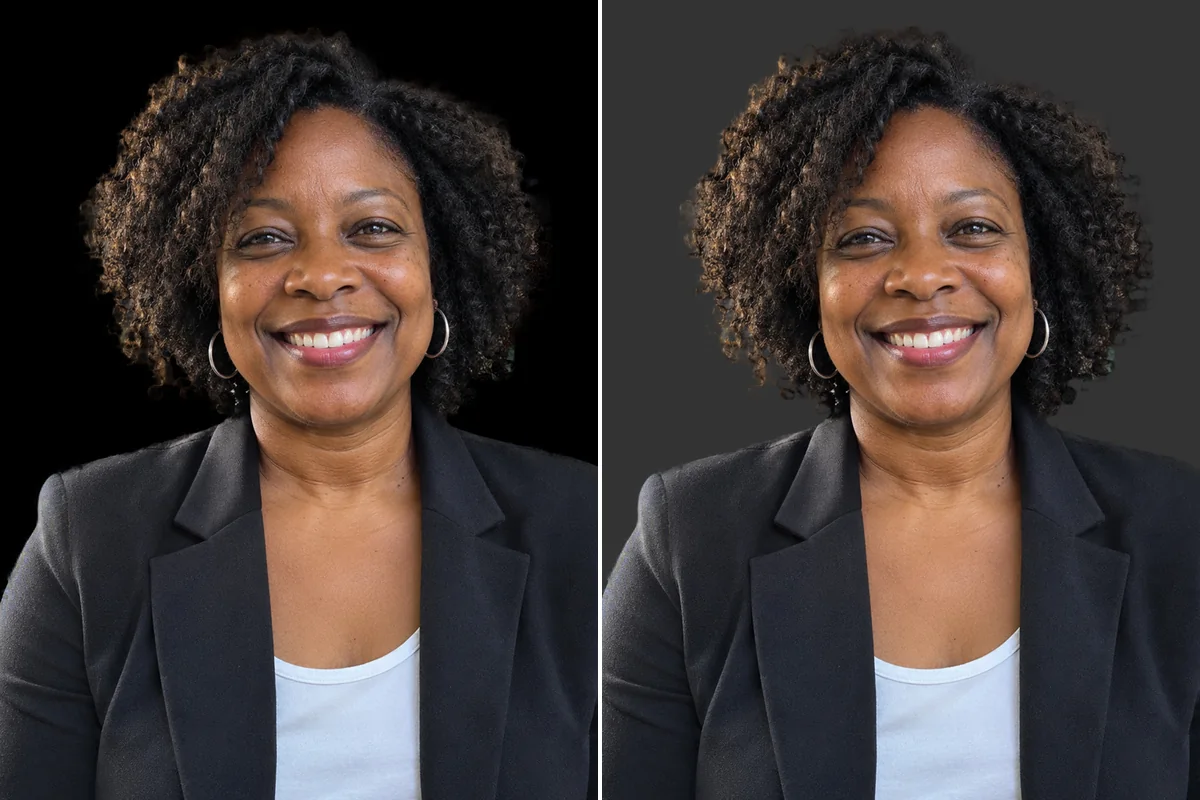
Black hair or a black jacket can disappear into a black background. Pick a dark gray such as #333333 in the Color tab instead, and the outline shows again.
Upload your photo on this page. The background is removed and replaced with pure black automatically. Then download the free preview or the full-resolution photo.
Yes. The background is #000000, which is RGB 0, 0, 0.
Yes. You can make the background black and download the result for free in preview size, up to 600 pixels. The full-resolution download costs 1 credit per photo. Pricing
Pick a dark gray instead of black in the Color tab, for example #333333. It still reads as a black background, while dark hair and clothes keep their outline.
Yes. Black is only where it starts: pick any color, a gradient, a blur or a photo in the same panel, or keep the background transparent.
Yes. With a free account you can drop up to 50 photos at once, use one photo’s background and size for all of them, and download them all in one ZIP file.
JPG, PNG and HEIC photos up to 30 MB, including photos straight from an iPhone.
Uploaded photos are deleted automatically within 1 hour. Privacy Policy
Yes. ChangeBackground works in the browser on phones, tablets and computers, with nothing to install.
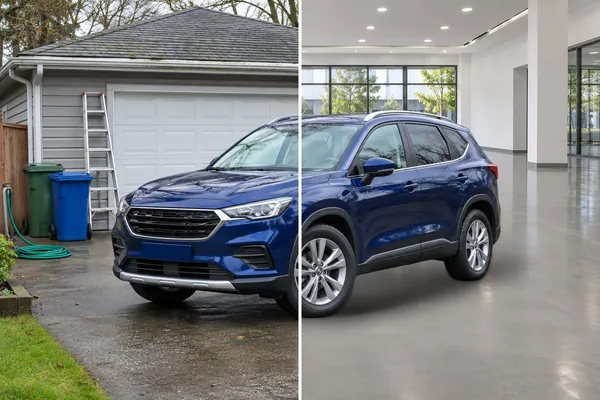 How to take car photos that sell, and edit them for freeA shot list, the right light and camera height, and a clean background with a shadow under the wheels.
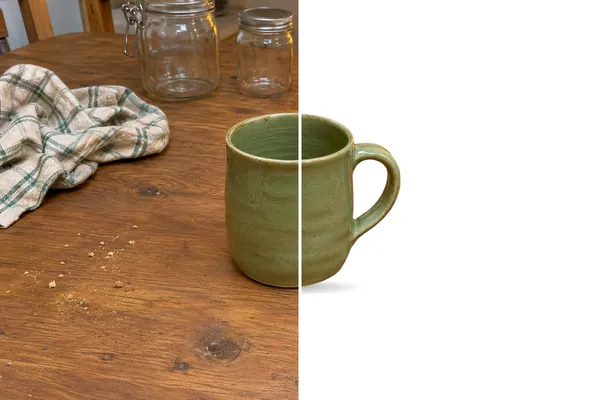 How to take product photos at home, and edit them for freeA window-light set-up, a shot list, marketplace photo rules, and a pure white background with a natural shadow.
 How to make a logo background transparentTurn a logo on white into a transparent PNG for free, check it on dark backgrounds, and get the sizes right for the web and print.
 How to choose and change your LinkedIn photo backgroundBackgrounds that work, LinkedIn’s size rules, and a studio or office backdrop for your headshot without touching your face.