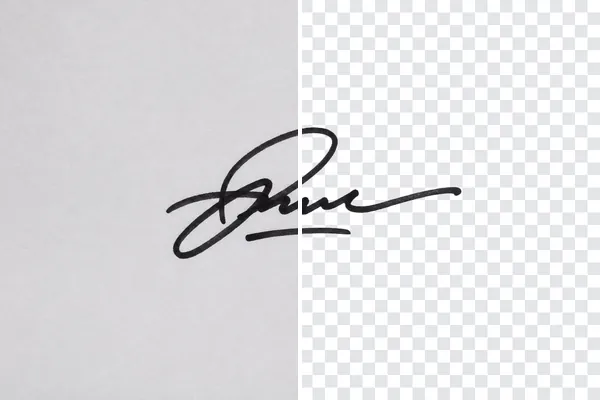
Logos and signatures
How to make a logo background transparent
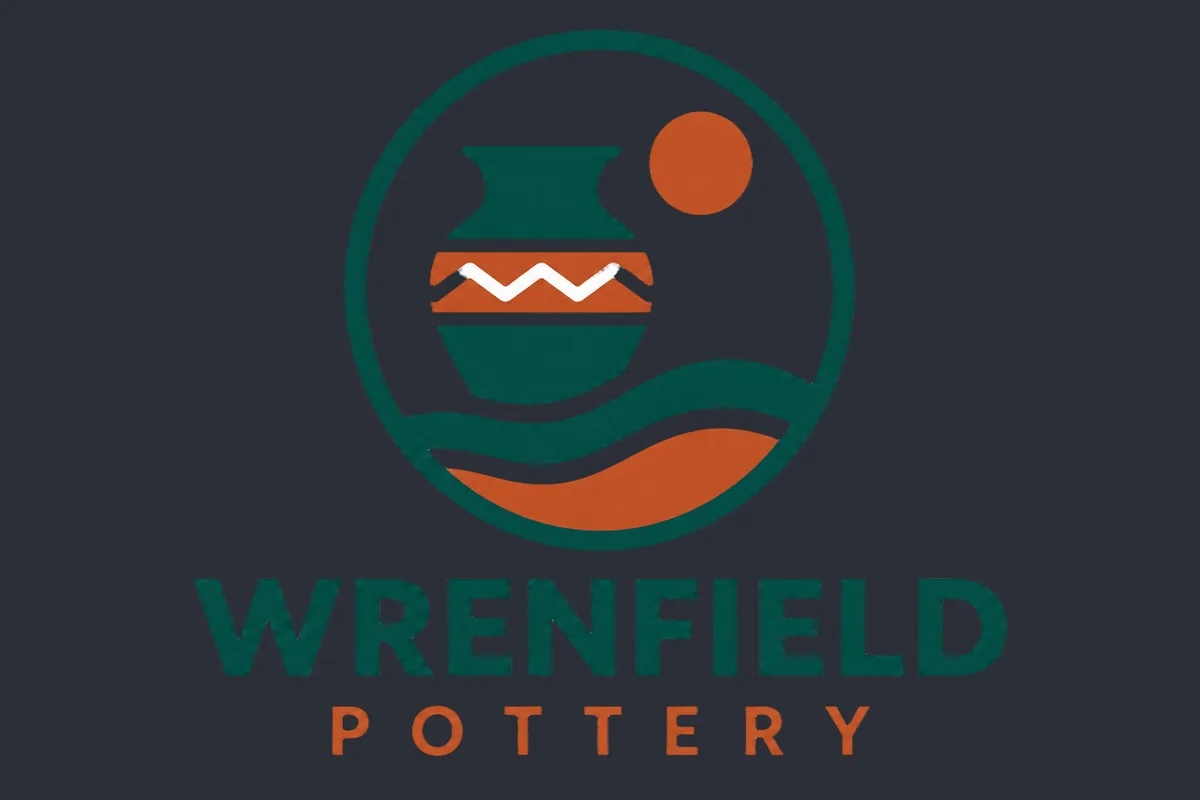
To make a logo’s background transparent, remove the background and save the logo as a PNG: a JPG can’t store transparency, so a JPG logo always sits on a rectangle. Upload the logo to Remove Background, keep Smooth edges, leave the background transparent and download a PNG. Then check it on a dark and a light background, because white details inside a logo can stay white or turn transparent. For large prints, embroidery or stickers cut to shape, ask the designer for the vector file (SVG, AI, EPS or PDF) as well.
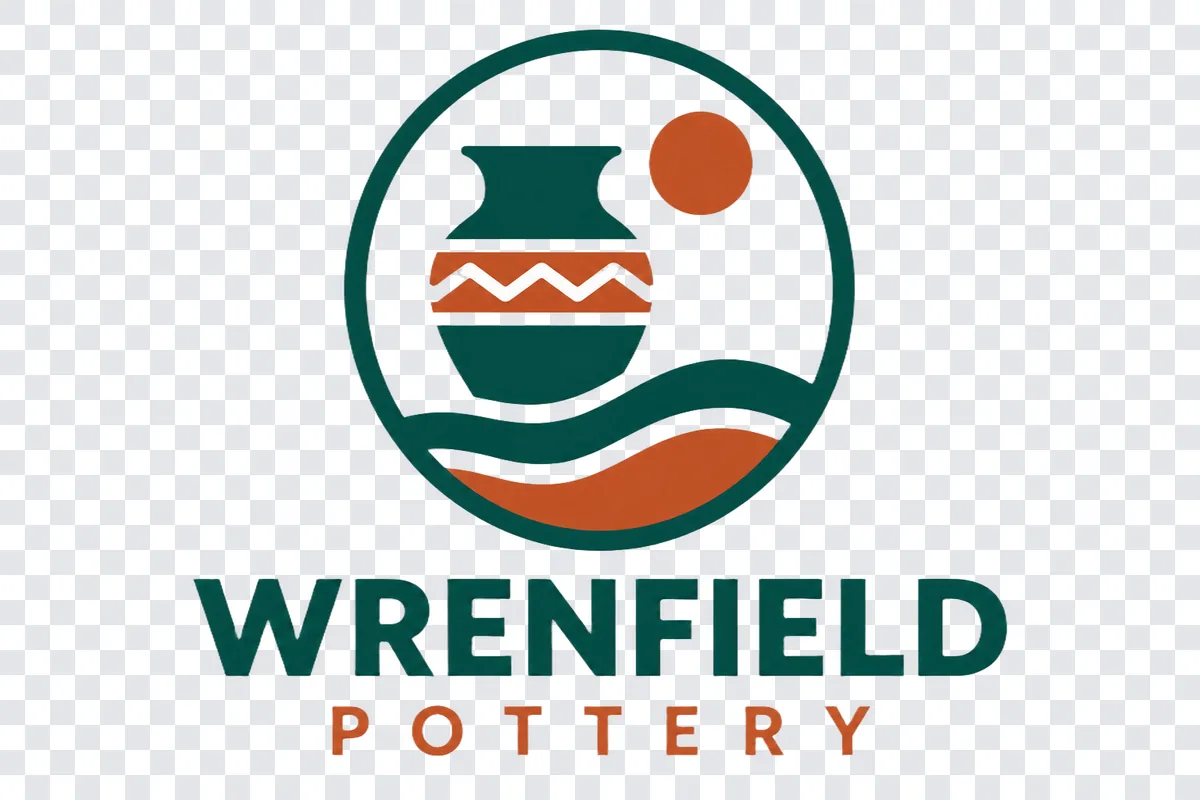
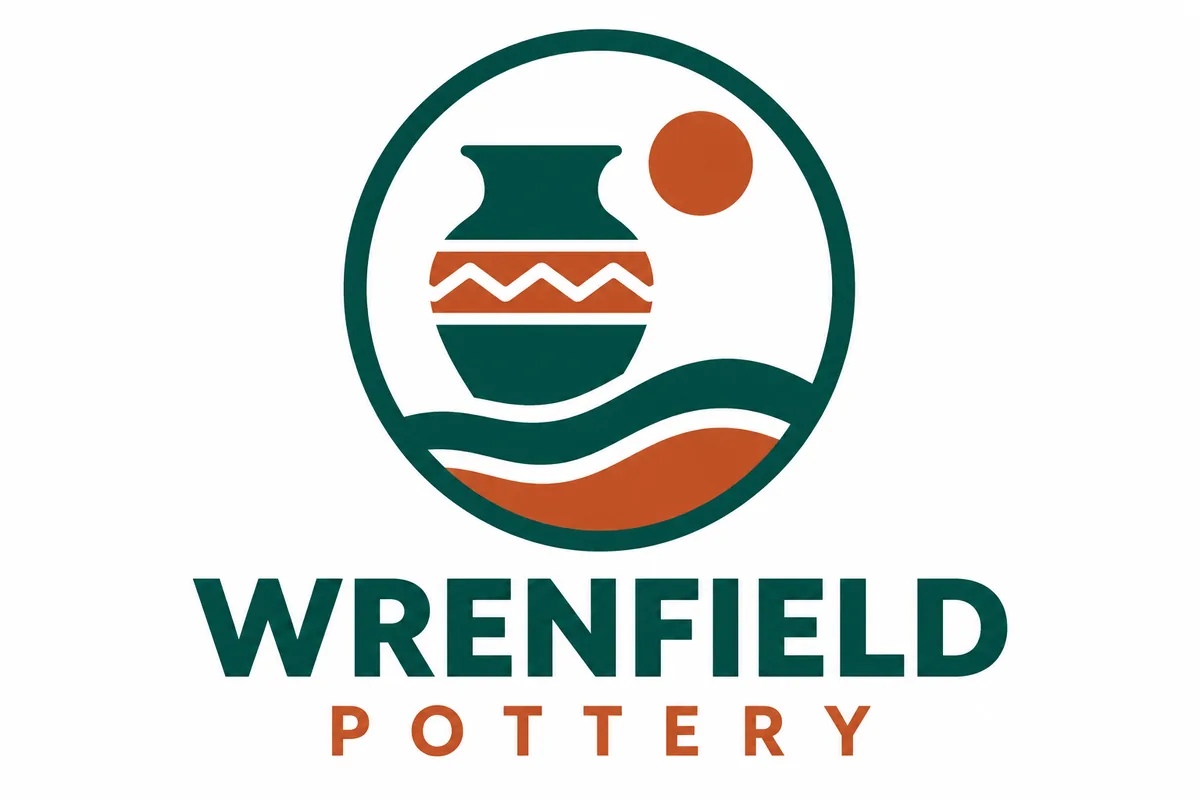 BeforeAfter
How do you make a logo background transparent for free?
All you need is the logo as a picture: the JPG or PNG you were sent, a screenshot from your website, or a photo of a printed card. It takes under a minute:
Upload the logo
Open Remove Background and upload the logo, or drop it on the page. JPG, PNG and HEIC files up to 30 MB work. The background is removed in a few seconds.
Keep Smooth edges
Smooth edges is the default and suits logos, with their crisp outlines. Hair & fur is for pets and loose hair and makes fine lines softer.
Leave the background transparent
The background stays transparent unless you choose one. If you tried a colour or a photo, choose Transparent in the Color tab.
Check it on a dark colour
Pick a dark colour in the Color tab and look at the edges and the white parts inside the logo, then switch back to Transparent.
Download the PNG
Download the free preview, or the full-size transparent PNG with Full resolution for 1 credit.
If the logo is small or blurry, enlarge it with the Image Upscaler first and remove the background afterwards: a bigger, sharper picture gives cleaner edges.
Which file format keeps a logo transparent?
Transparency is stored as an extra value for every pixel, called the alpha channel, from fully transparent to fully opaque. PNG and WebP have it; JPG doesn’t. Mozilla’s guide to image formats says JPEG “does not support an alpha channel” and that logos and line art should be saved without lossy compression, because blurring and coloured fringes around text and sharp edges are “very visible”.
| Format | Transparent | Best for |
|---|---|---|
| PNG | Yes | Uploads to websites, social media and print shops. Lossless, so text stays sharp. |
| WebP | Yes | Your own website: smaller files than PNG. Many upload forms don’t accept it. |
| SVG | Yes | Websites and printing at any size: a vector drawing, not pixels. It has to come from the designer. |
| JPG | No | Photos. A JPG logo always has a background, and its edges get blurry fringes. |
Most upload forms for logos and profile pictures accept only PNG and JPG: LinkedIn says all images “must be PNG or JPEG files”, and Google Business Profile takes JPG or PNG. So a transparent PNG is the file you will use most.
How do you check that a PNG is really transparent?
Look at the logo on two different backgrounds, one dark and one light. Where it is transparent, the background colour shows through. Then zoom in on the edges and inside the letters.

Right:A real transparent PNG: the dark background shows through.

Wrong:A JPG: the white background comes along as a box.

Wrong:A fake PNG: the checkerboard is painted into the picture.
- A box around the logo: the file is a JPG, or the background was never removed.
- A checkerboard that moves with the logo: a “fake transparent” PNG, often downloaded from an image search. The grey and white squares are part of the picture. Remove the background from it like any other logo.
- A thin light or dark outline: edge pixels that still mix in the old background colour. Removing the background from a larger, sharper copy helps.
- White details missing, or white that should be gone: background removal decides for each enclosed area whether it belongs to the logo. If a white detail must print white on a dark T-shirt, it has to stay white.
LinkedIn shows transparent company logos on a white background, so a white logo on a transparent background disappears there. Upload a dark version, or one on a coloured background, to LinkedIn.
Can you make a logo transparent from a photo or a scan?
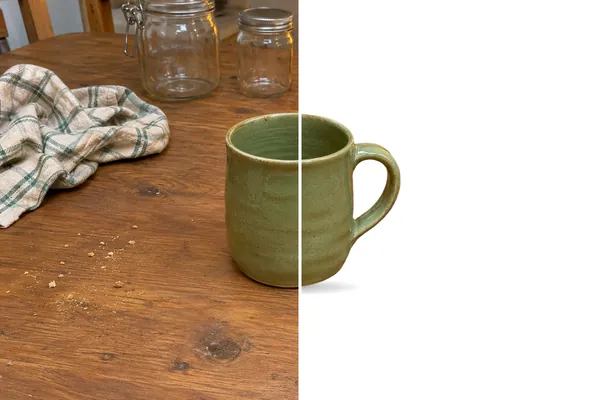
Yes, if the photo is sharp and taken straight on. Photograph the business card, letterhead or sign in even light, without a shadow across it, and fill the frame with the logo. The paper is removed like any other background.
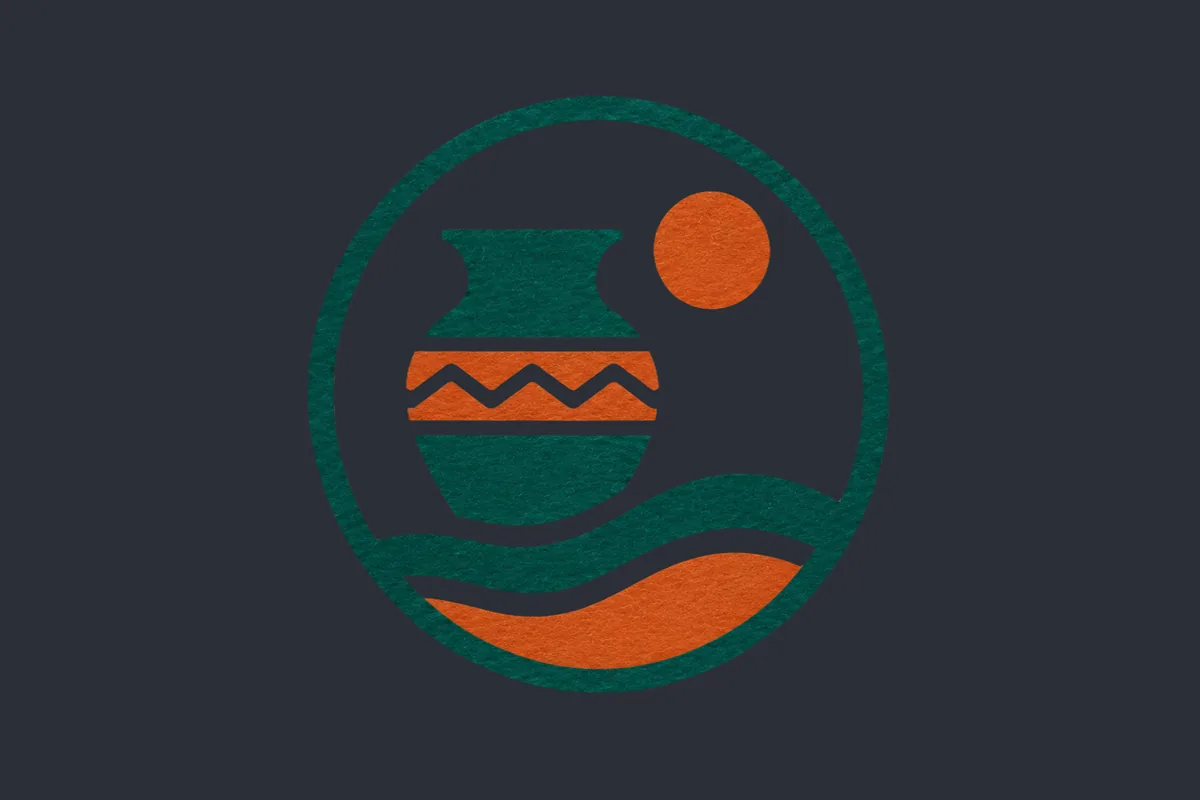
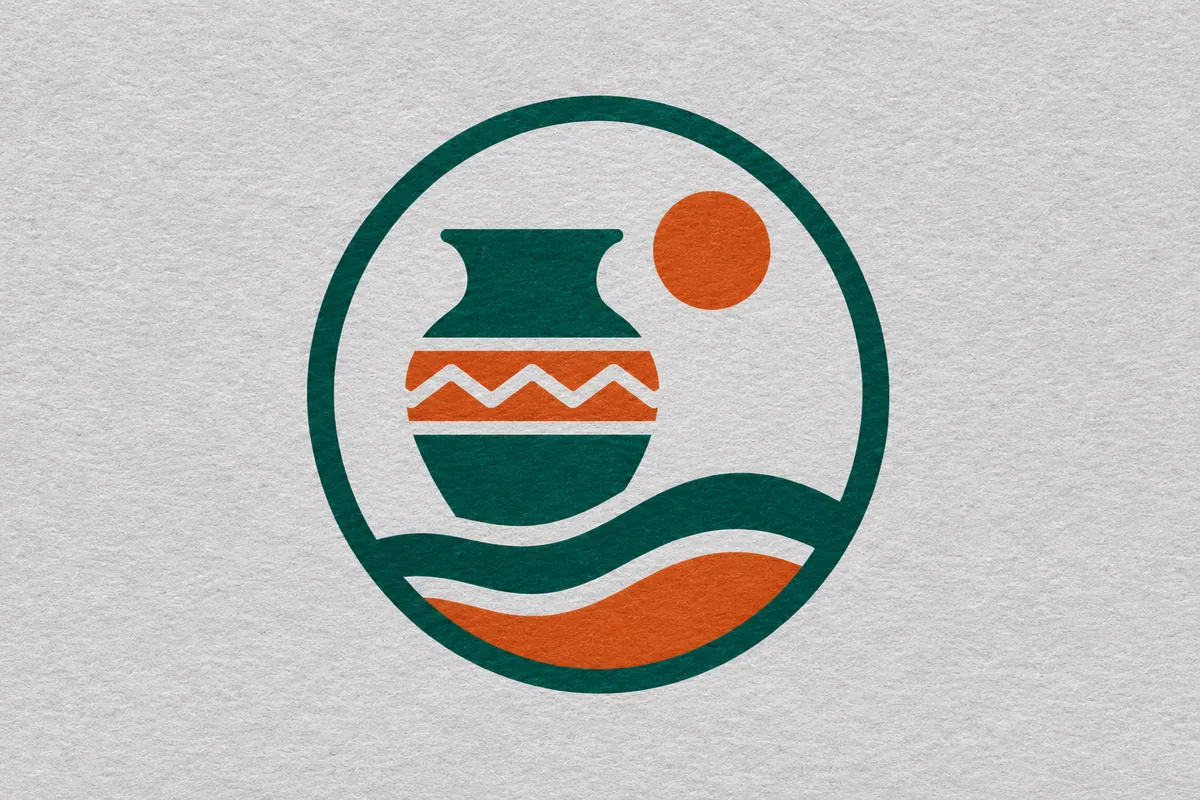 BeforeAfter
The result keeps the texture of the paper and the size of the photo. It is good for a profile picture or a website, but for printing, a file from the designer is still better.
What size should a logo PNG be?
Big enough for the largest place you will use it. Most platforms want a square picture and show it in a circle, so leave some space around the logo. Their own help pages ask for:
| Where | What the platform asks for |
|---|---|
| Google Business Profile | JPG or PNG, 10 KB to 5 MB; 720 × 720 pixels recommended, at least 250 × 250. |
| LinkedIn company page | PNG or JPEG up to 3 MB; at least 268 × 268 pixels, 400 × 400 recommended. Transparent logos are shown on white. |
| Facebook page | 320 × 320 pixels for the best quality; shown as a circle of 176 pixels on computers and 196 on phones. PNG for logos and text. |
| YouTube channel | JPG, GIF, BMP or PNG up to 15 MB, shown at 98 × 98 pixels. The video watermark: square, at least 150 × 150 pixels, under 1 MB. |
| Google Search favicon | Square, at least 8 × 8 pixels; larger than 48 × 48 recommended. PNG, JPEG, ICO, GIF and other formats. |
| Shopify | PNG recommended for logos and graphics with transparency; images up to 20 megapixels or 20 MB. |
| Gmail signature | Up to 10,000 characters, and an image counts towards them. Resize the logo to the size it is shown at. |
A square PNG of about 1000 × 1000 pixels, with the logo in the middle and some space around it, covers every upload in the table.
What do print shops need?
Printers prefer vector files, because they stay sharp at any size. When they accept pictures, they ask for enough pixels for the printed size:
- Printful asks for a transparent PNG for printing on garments, because that technique needs a transparent background, and for at least 300 DPI for paper and 150 DPI for everything else. It also asks to avoid semi-transparent effects such as drop shadows and fades.
- Sticker Mule asks for vector files or pictures of at least 300 PPI, lines of at least 1 pt and text of at least 6 pt.
- Vistaprint suggests saving a logo as a PNG to keep its background transparent, and recommends Illustrator, PDF or Photoshop files for the best print quality.
DPI here means pixels for every inch of the printed size. A logo printed 4 inches (10 cm) wide at 300 DPI needs 4 × 300 = 1200 pixels across. Removing a background can’t add detail, so if your logo is smaller than that, ask the designer for the vector file.
Can you make someone else’s logo transparent?
Only edit logos you own or have permission to use, such as your own business’s, or a client’s with their consent. The US Copyright Office notes that logo artwork may be protected by copyright, and an artistic logo may also be protected as a trademark. Making a logo transparent doesn’t change who owns it. For a partner’s or sponsor’s logo, use the files from their brand or press page.
Frequently asked questions
Why does my PNG logo still have a white background?
Either the background was never removed, or the file was saved as a JPG on the way and renamed. Remove the background and download a PNG. Check it on a dark background: a real transparent PNG has no box around it.
Can a JPG have a transparent background?
No. JPG has no way to store transparency, so a JPG logo always sits on a rectangle. Use PNG, or WebP for your own website.
What size should my logo PNG be?
A square of about 1000 × 1000 pixels covers profile pictures and most websites. For printing, you need 150 to 300 pixels for every inch of the printed size, or a vector file.
Is it free?
Removing the background and downloading the preview are free. The full-size transparent PNG costs 1 credit, from US$1.99 for one image down to US$0.18 in larger packs.
Why did a white part inside my logo disappear?
Background removal decides for each enclosed area whether it belongs to the logo or to the background. Check the result on a dark background; if a white detail must stay, ask the designer for a file with the background already transparent.
What is a vector logo, and do I need one?
A vector logo (SVG, AI, EPS or PDF) is drawn from shapes rather than pixels, so it stays sharp at any size. You need it for large prints, embroidery and stickers cut to shape. Ask whoever designed the logo.
Can I make another company’s logo transparent?
Only with their permission. Logos are usually protected as trademarks and often by copyright, and editing one doesn’t give you the right to use it.
Sources
- W3C: Portable Network Graphics (PNG) specification w3.org
- MDN: Image file type and format guide developer.mozilla.org
- Google for Developers: An image format for the web (WebP) developers.google.com
- LinkedIn Help: Add or edit your LinkedIn Page logo and cover image linkedin.com
- Google Business Profile Help: Business photos support.google.com
- Facebook Help Center: Profile picture and cover photo sizes facebook.com
- YouTube Help: Manage your channel branding support.google.com
- Google Search Central: Define a favicon to show in search results developers.google.com
- Shopify Help Center: Theme images help.shopify.com
- Gmail Help: Create a Gmail signature support.google.com
- Printful: Graphics and embroidery guide printful.com
- Sticker Mule: Artwork specifications for die-cut stickers and labels stickermule.com
- Vistaprint: How to make a logo transparent vistaprint.com
- Vistaprint Help Center: Which file types can I upload? vistaprint.com
- US Copyright Office: What does copyright protect? copyright.gov
The pottery logo is a made-up, AI-generated picture. Its background was removed with ChangeBackground’s own background remover, exactly as described above; the JPG and “fake PNG” examples were made from the same logo to show the mistakes. Platform and printer requirements are quoted from their own help pages, checked on 25 November 2026.