JPG, PNG or HEIC, up to 30 MB. Uploaded photos are deleted automatically within 1 hour. Privacy Policy
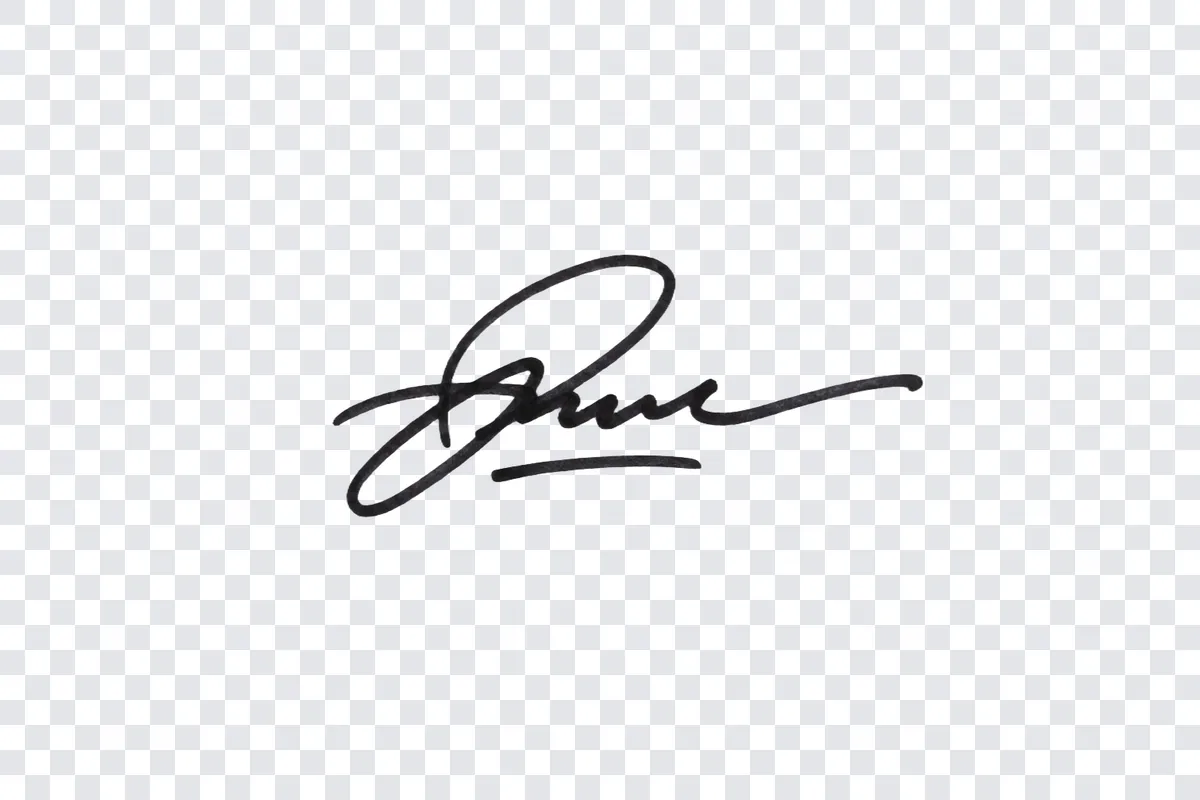
Drag the slider to compare. These are real results of this tool. The checkerboard shows the parts that are transparent.
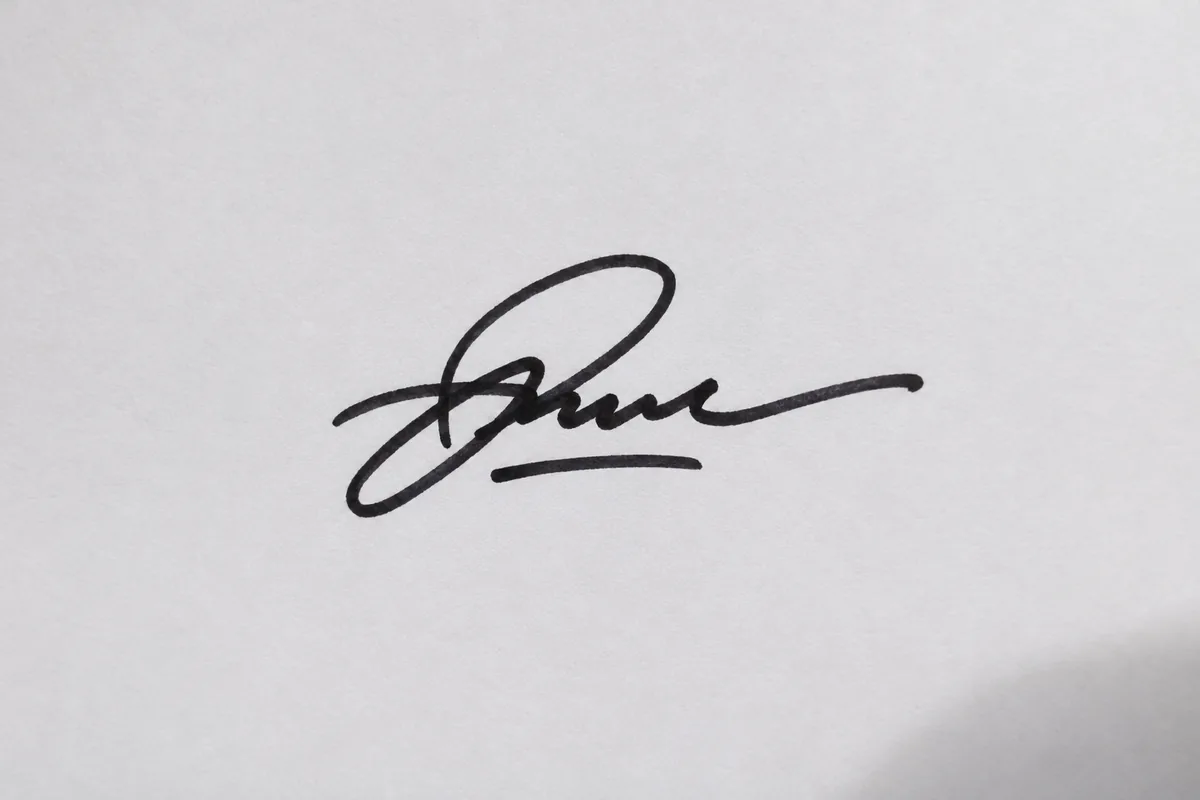 Before
After
Sign with a black felt-tip or gel pen on plain white paper, and take the photo from straight above in daylight.
Upload the photo. The paper is removed and only the ink is left; Smooth edges keeps every stroke.
Leave the background transparent and download a PNG. The preview is free; the full-resolution PNG costs 1 credit.
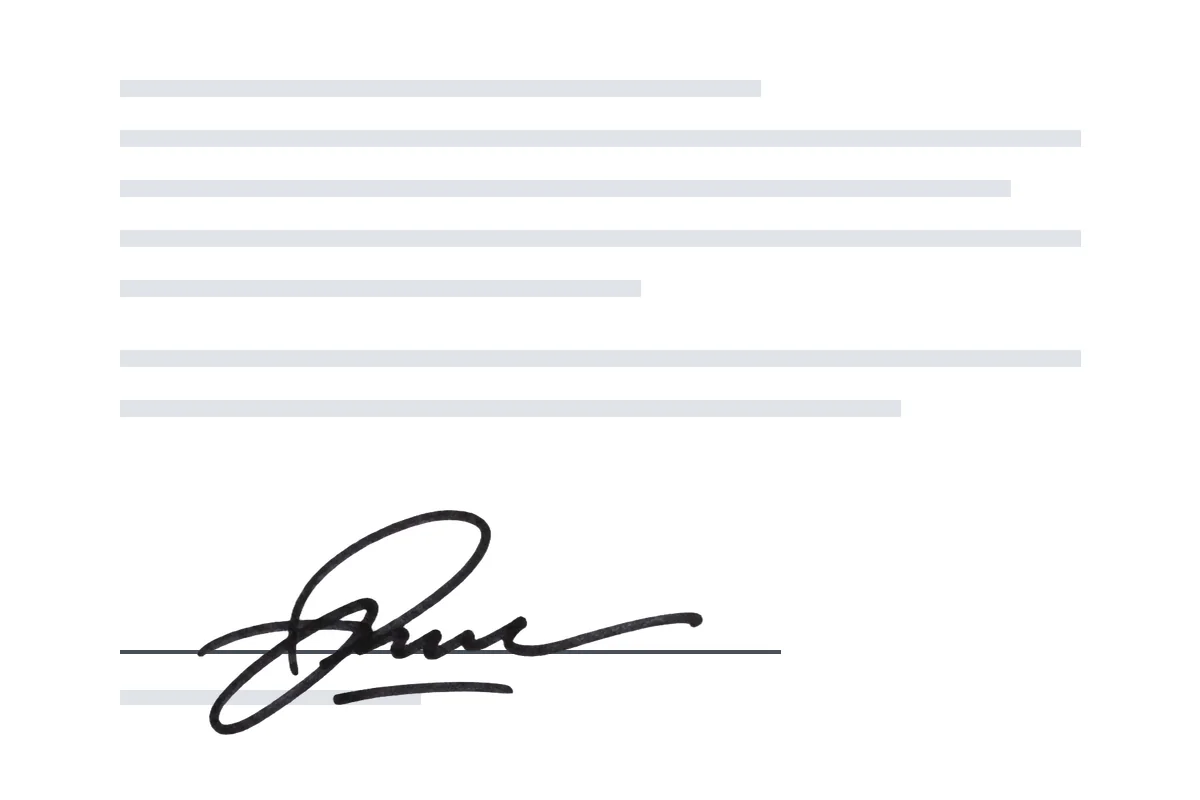
Insert the PNG as a picture. Because the background is transparent, the signature can sit over a signature line without covering it.
Add it to Word, Docs and email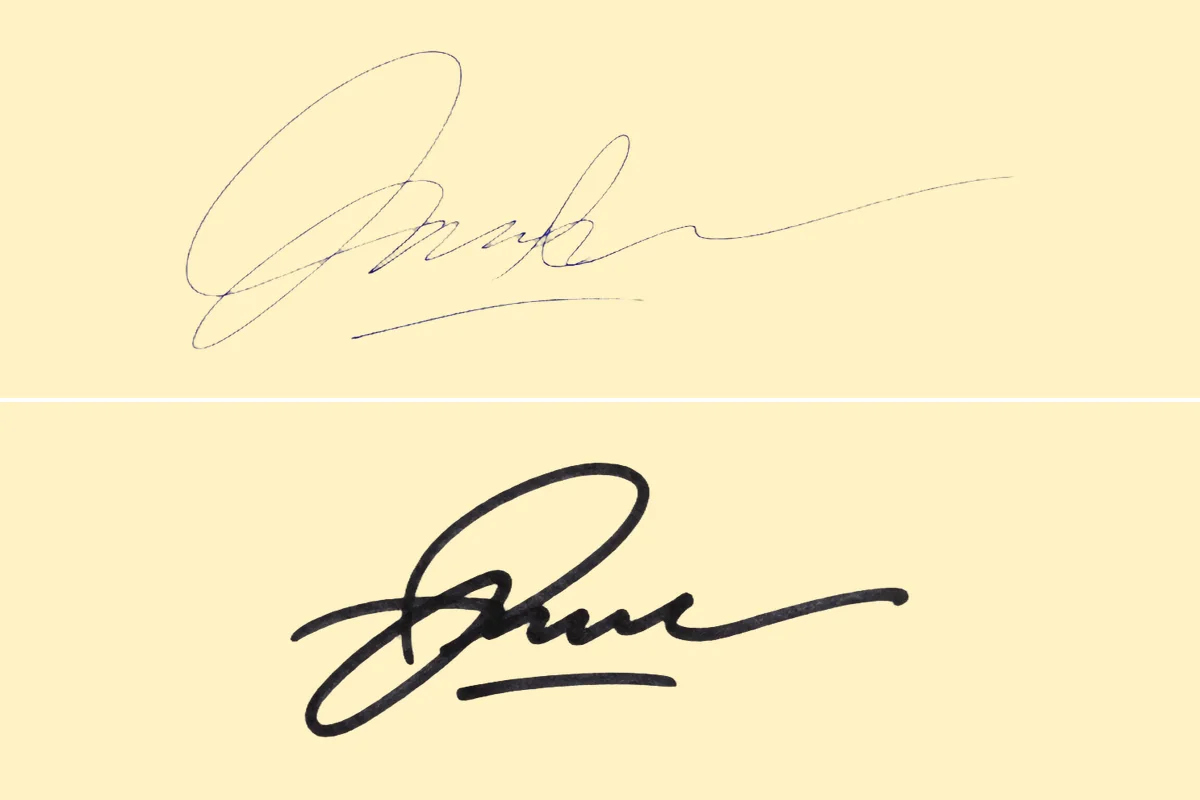
Thin ballpoint lines can come out faint and broken. A black felt-tip or gel pen keeps every stroke solid.
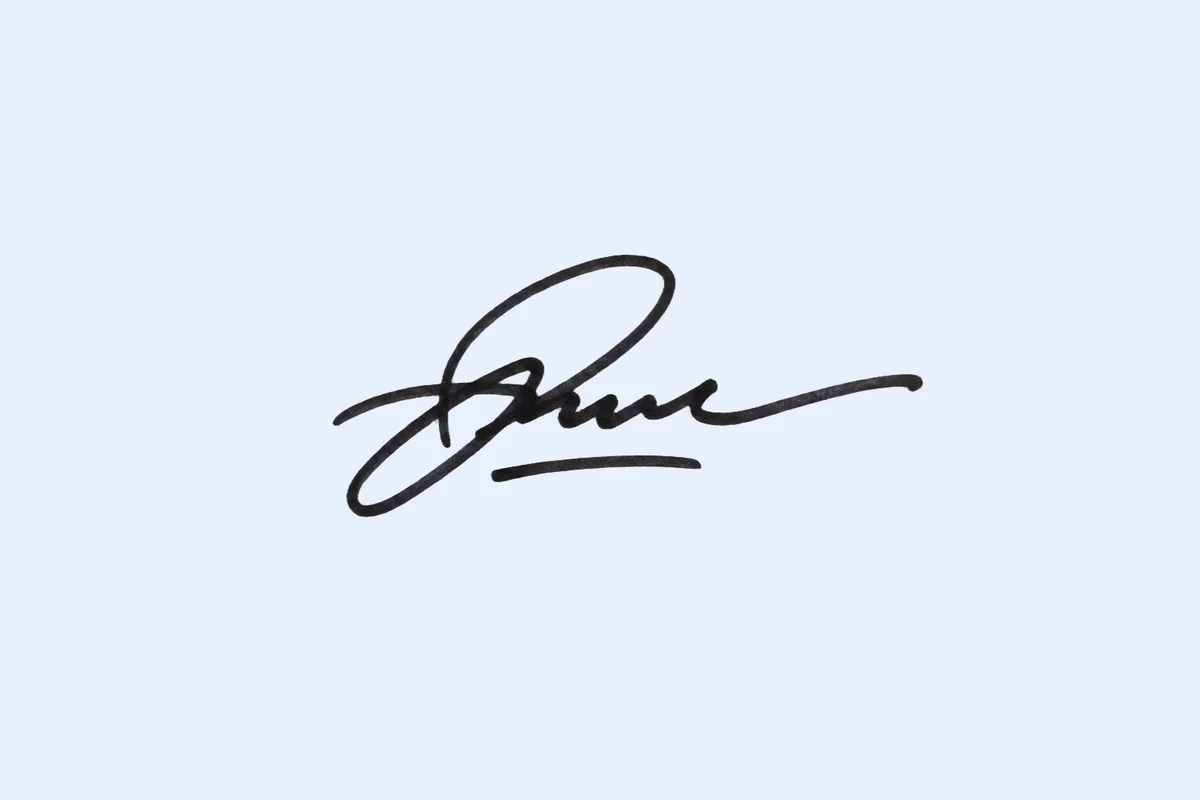
For Gmail, make a copy 70 to 100 pixels high and 300 to 400 pixels wide. Keep the full-size PNG in a private folder: anyone who has it can paste it onto any document.
Sign on white paper, take a photo and upload it on this page. The paper is removed automatically. Download the free preview PNG, or the full-size PNG for 1 credit.
Thin, light strokes are hard to tell apart from the paper, especially in a shadow. Sign again with a black felt-tip or gel pen and photograph it in even light.
A JPG can’t be transparent, so the paper comes along as a white or grey box. It covers signature lines and shows on coloured paper. Use a PNG.
About 600 pixels across for a signature printed 2 inches (5 cm) wide. For Gmail, 70 to 100 pixels high and 300 to 400 wide.
For everyday documents it usually counts as an electronic signature if you meant to sign, in the US, the EU and England and Wales. The recipient can still refuse it, and wills, deeds, court documents and some official forms need more. Read the rules and safety tips
No. Uploaded photos are deleted automatically within 1 hour. Keep the PNG you download in a private place.
Yes. ChangeBackground works in the browser on phones, tablets and computers, with nothing to install.
 How to make a logo background transparentTurn a logo on white into a transparent PNG for free, check it on dark backgrounds, and get the sizes right for the web and print.
 How to make a transparent PNG of your signatureThe right pen and photo, a transparent signature for Word, Google Docs and email, and when a pasted signature isn’t enough.