JPG, PNG or HEIC, up to 30 MB. Uploaded photos are deleted automatically within 1 hour. Privacy Policy
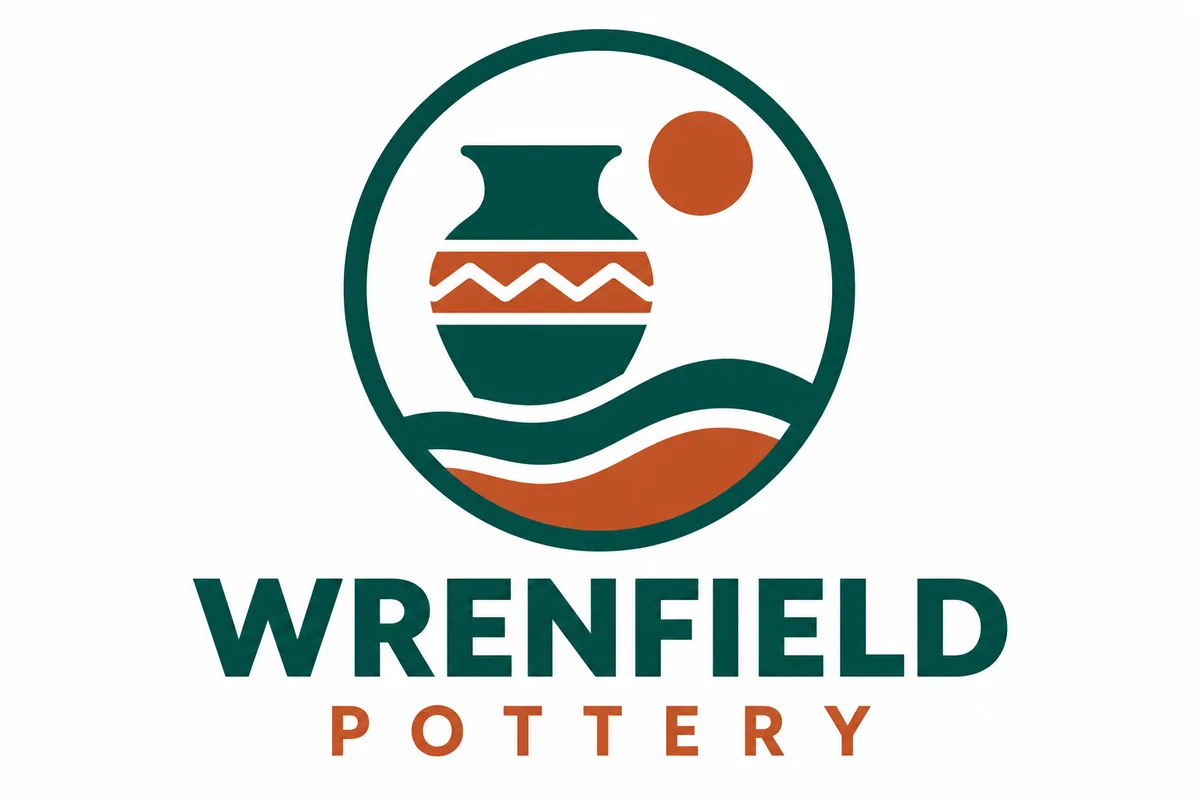
Drag the slider to compare. These are real results of this tool. The checkerboard shows the parts that are transparent.
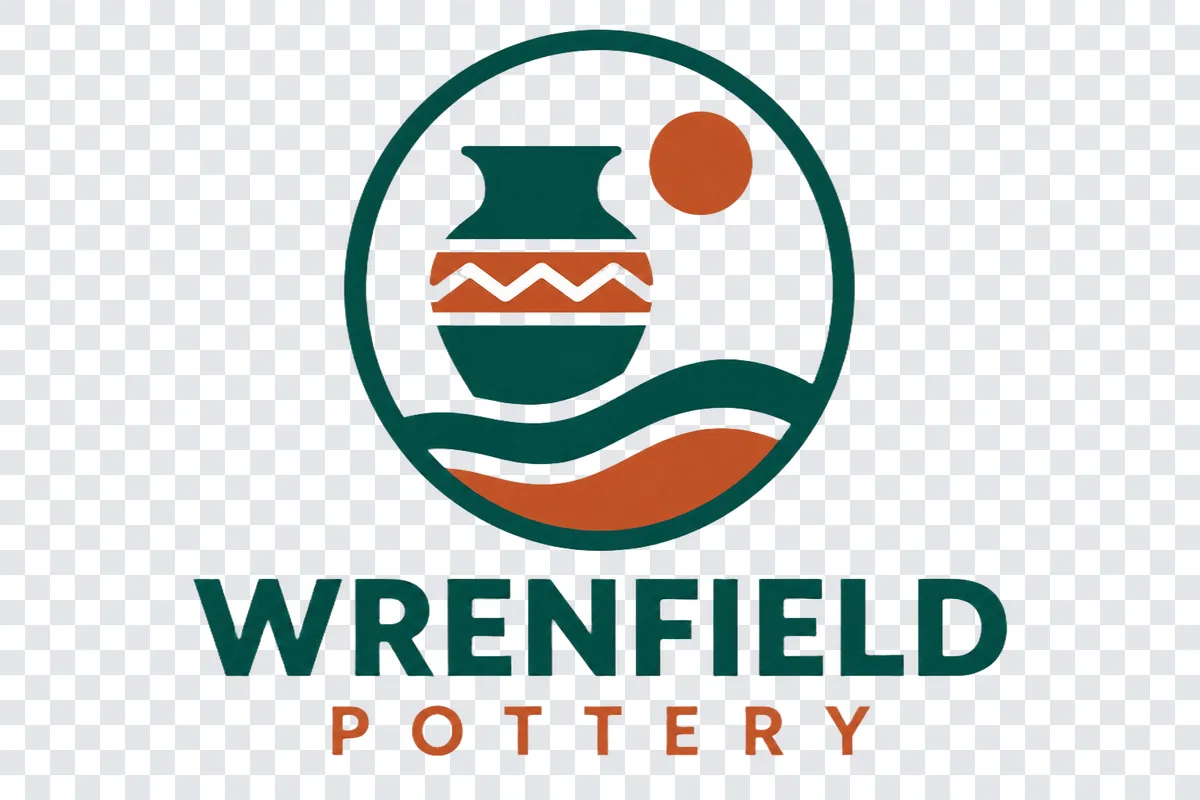
 Before
After
Upload the JPG or PNG you have, a screenshot or a photo of a printed logo. The background is removed in a few seconds.
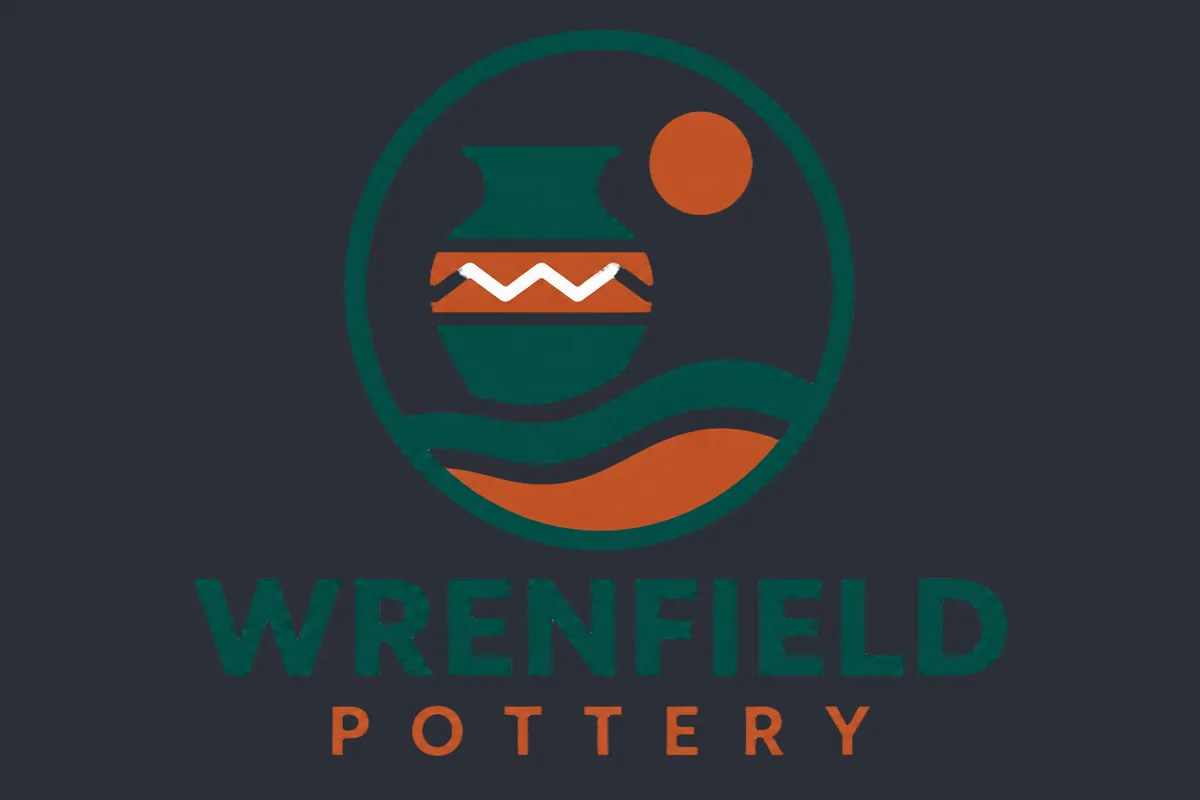
Pick a dark and a light color in the Color tab. White details inside a logo can stay white or turn transparent, so look at both.
Leave the background transparent and download a PNG. The preview is free; the full-resolution PNG costs 1 credit.
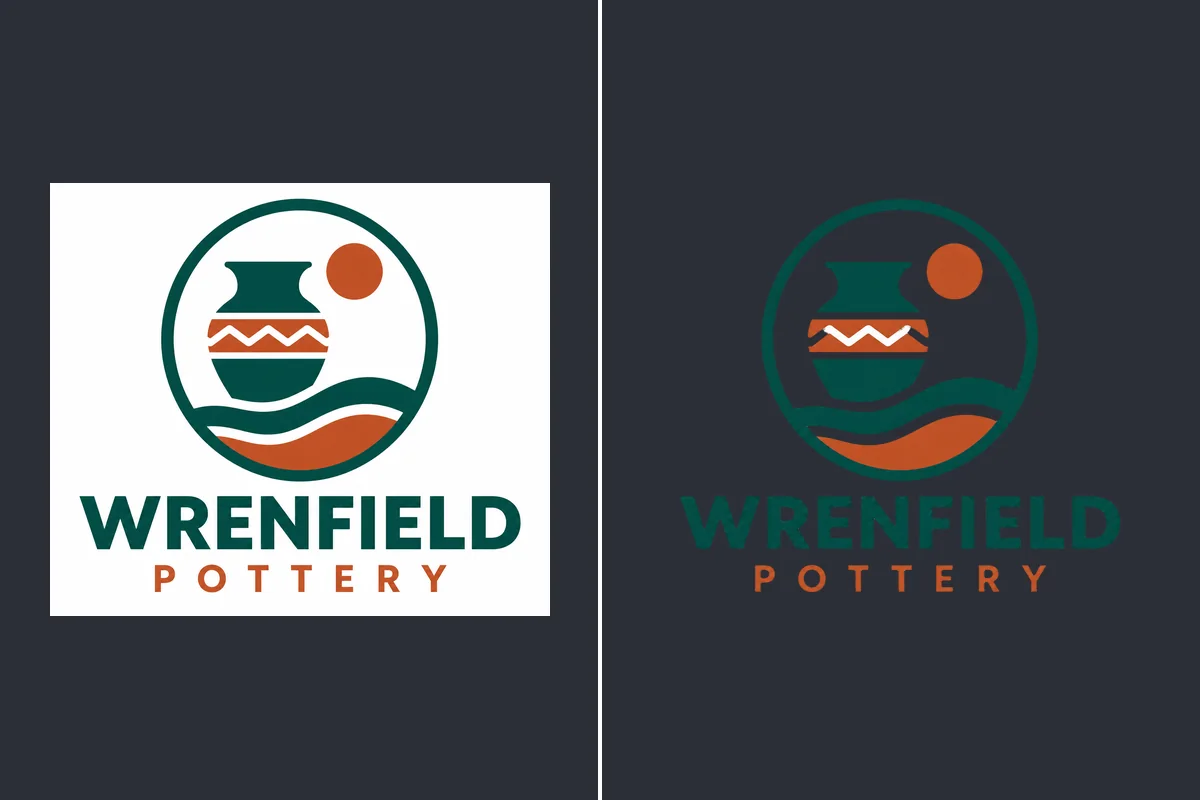
A JPG has no transparency, so a JPG logo always sits in a white box. Download a PNG to keep the background transparent.
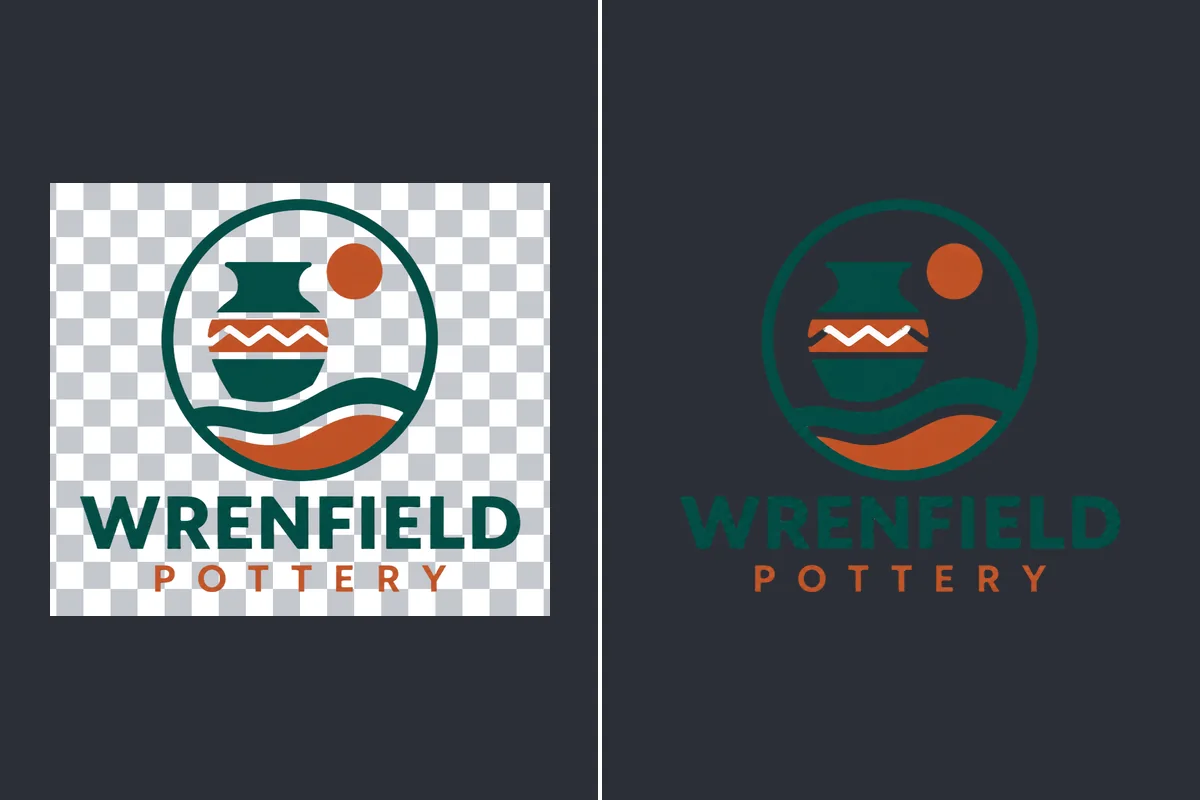
Some logos found online have the checkerboard painted into the picture, and the squares show on a dark page. Remove the background here for a real transparent PNG.
Use the PNG in a website header, on slides, in videos or as a watermark. A square PNG of about 1000 × 1000 pixels, with some space around the logo, covers most profile picture uploads.

Printers prefer vector files (SVG, EPS or PDF) from whoever designed the logo. If they accept pictures, use a PNG with 150 to 300 pixels for every inch of the printed size.
Check sizes and file typesUpload the logo on this page. The background is removed automatically. Check the logo on a dark and a light color, then download it as a PNG.
The AI decides what belongs to the logo, so white letters or shapes inside it can be removed with the background. Paint over them with the brush in Restore mode to bring them back.
PNG. It keeps the transparency, while a JPG always adds a background. For websites, an SVG from the designer is even better.
Yes, if it is sharp, evenly lit and taken from straight above. The result keeps the texture of the paper, which is fine for a website but not for printing.
A square PNG of about 1000 × 1000 pixels, with the logo in the middle and some space around it, covers most profile picture and website uploads. For print, ask for the vector file.
Yes. You can make the logo transparent and download the PNG for free in preview size, up to 600 pixels. The full-resolution PNG costs 1 credit. Pricing
Only edit logos you own or have permission to use. Company logos are usually protected as trademarks.
Uploaded photos are deleted automatically within 1 hour. Privacy Policy
Yes. ChangeBackground works in the browser on phones, tablets and computers, with nothing to install.
 remove.bg moves to Canva: what changes on 1 December 2026What closes, what happens to your credits, and how to remove and change backgrounds here instead.
 How to make a logo background transparentTurn a logo on white into a transparent PNG for free, check it on dark backgrounds, and get the sizes right for the web and print.
 How to make a transparent PNG of your signatureThe right pen and photo, a transparent signature for Word, Google Docs and email, and when a pasted signature isn’t enough.