Products and online selling
Amazon product image requirements, and how to meet them
Amazon’s main image must show only the product, on a pure white background (RGB 255, 255, 255), filling at least 85% of the frame, with no text, logos, borders, watermarks or props. Every image must be 500 to 10,000 pixels on its longest side; above 1,000 pixels shoppers can zoom. Amazon recommends at least six images and one video, and a main image that breaks the rules can get the listing suppressed from search. Below are the rules with Amazon’s own sources, the most common reasons for rejection, and how to turn an ordinary photo into a compliant main image for free.
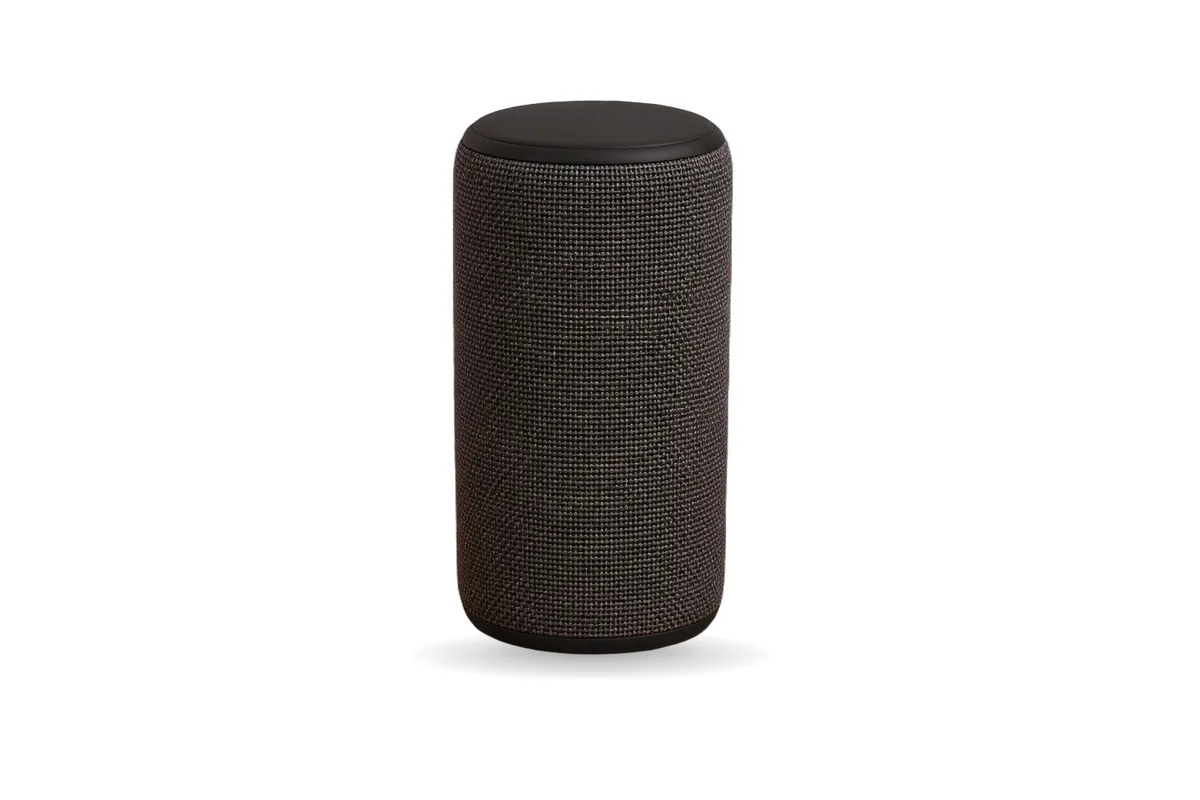
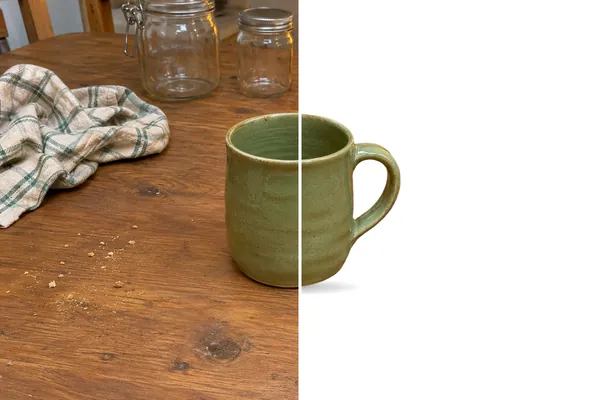
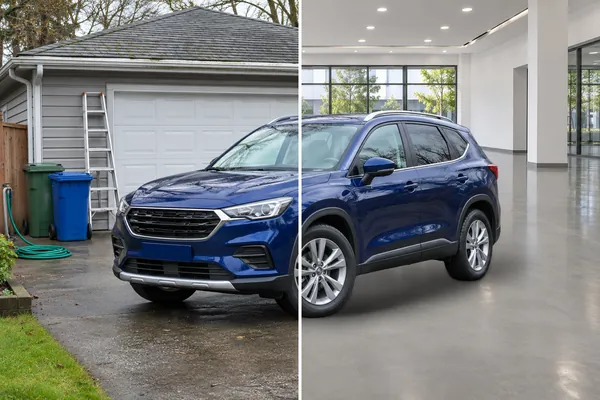
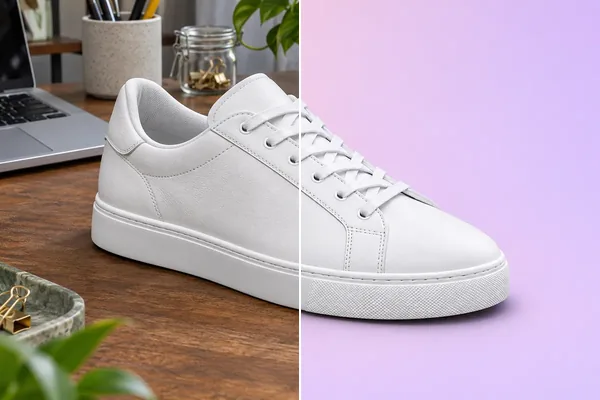
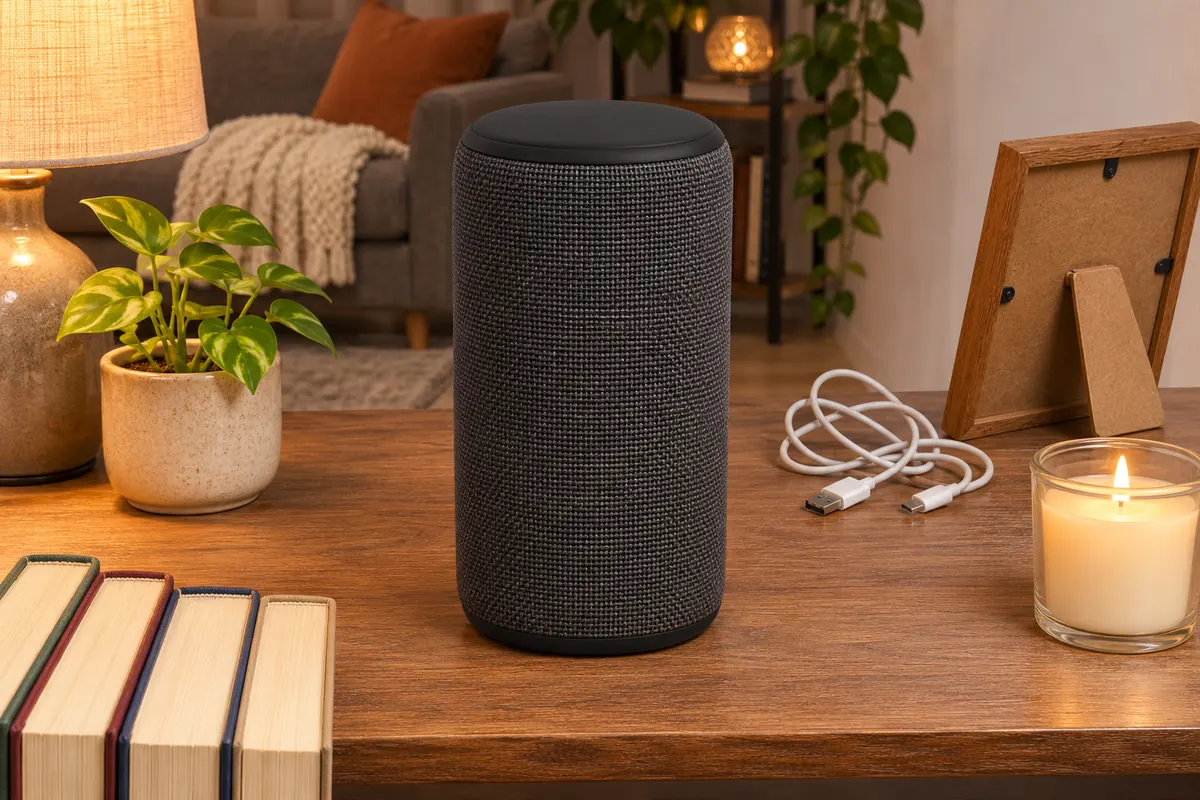 BeforeAfter
What are Amazon’s main image requirements?
The main image is the first one on the product page and the one shown in search results. Amazon’s image requirements page sets the rules, and its staff sum them up on the Seller Forums like this:
| Rule | What Amazon asks for |
|---|---|
| Background | Pure white, RGB 255, 255, 255. Off-white or grey triggers an automatic rejection. |
| Product size | The product fills at least 85% of the image. |
| What is shown | Only the product for sale: no props or accessories that aren’t included, and a single unit unless it is a multipack. |
| Whole product | The complete product, not cropped, and out of its packaging unless the packaging is a feature. |
| Text and graphics | No text, logos, borders, colour blocks, watermarks or inset images. |
| Photo | A realistic, professional-quality photo of the actual product, not a drawing, mock-up or placeholder. |
| Shadow | Minimal shadows around the product are allowed. |
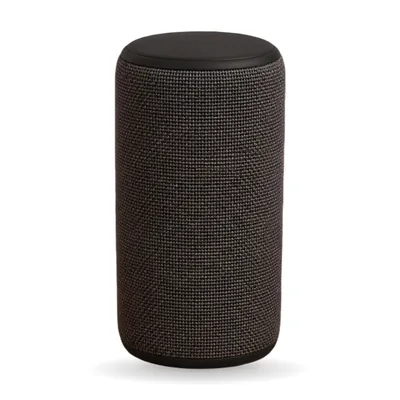
Right:Pure white, the product filling 85%, a minimal shadow.
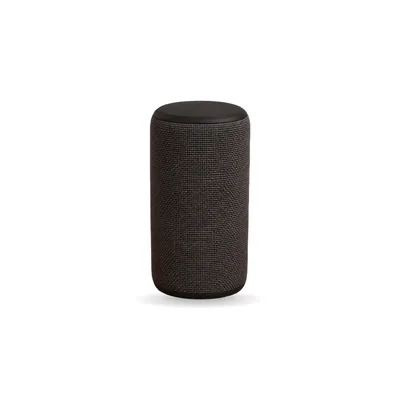
Wrong:Too small: the product fills only half the frame.
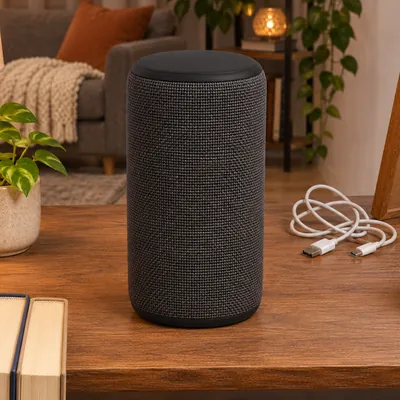
Wrong:A room behind it: fine for the other images, not the main one.
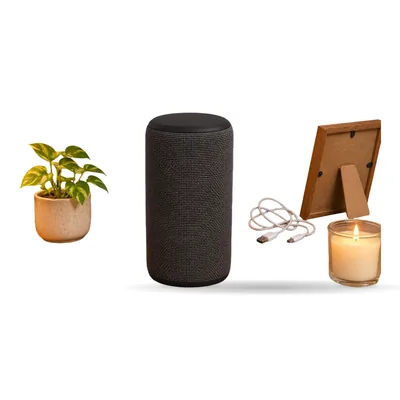
Wrong:Props that don’t come with the product.
Some product types have their own rules. Beds, mattresses, rugs and sofas may use a lifestyle photo as the main image; adult clothing is shown on a standing model, children’s clothing flat without a model, and shoes as a single left shoe at a 45-degree angle. Check the style guide for your category.
What size and file format should Amazon images be?
| Setting | Requirement |
|---|---|
| Size | 500 to 10,000 pixels on the longest side. |
| Zoom | Larger than 1,000 pixels on the longest side lets shoppers zoom; Amazon’s staff call 1,600 pixels or more optimal. |
| File format | JPEG (preferred), TIFF, PNG, or GIF without animation. |
| Colour | RGB or CMYK; RGB is preferred. |
| File name | The product identifier (ASIN, UPC, EAN or JAN), a variant code and the extension, separated by full stops, with no spaces or dashes: B000123456.MAIN.jpg, B000123456.PT01.jpg. |
| Image slots | One MAIN image and up to eight more, PT01 to PT08. |
Make the main image a square of 2000 × 2000 pixels. It is well above the 1,600 pixels Amazon recommends for zoom, and the same file suits eBay, Etsy and Google Shopping.
How do you make an Amazon main image from an ordinary photo?
Photograph the product on any plain surface in soft daylight (our product photo guide shows a simple set-up), then replace the background in the free Change Background editor:
Make the canvas square
Open the Change Background editor, click Canvas Size, enter 2000 × 2000 under Custom size, and click Apply.
Add your photo
Click Add Photo and choose the product photo. It goes straight onto the canvas.
Remove the background
Click Remove BG and choose Smooth edges, the setting for products. The background disappears in a few seconds.
Make the background white
In the Background panel, open Color and choose white. It is pure white: RGB 255, 255, 255.
Fill the frame
Drag the corner handles until the product fills about 85% of the square, and drag it to the middle.
Add a shadow
Click Shadow. Under Properties, choose Product, or Tabletop for things that stand on a table, and set Softness and Darkness. Keep it light on a main photo.
Download it as a JPG
Click Download and choose JPG, the format Amazon prefers.
Name it and upload it
Name the file with your product identifier and MAIN, such as B000123456.MAIN.jpg, and upload it as the main image of the listing.
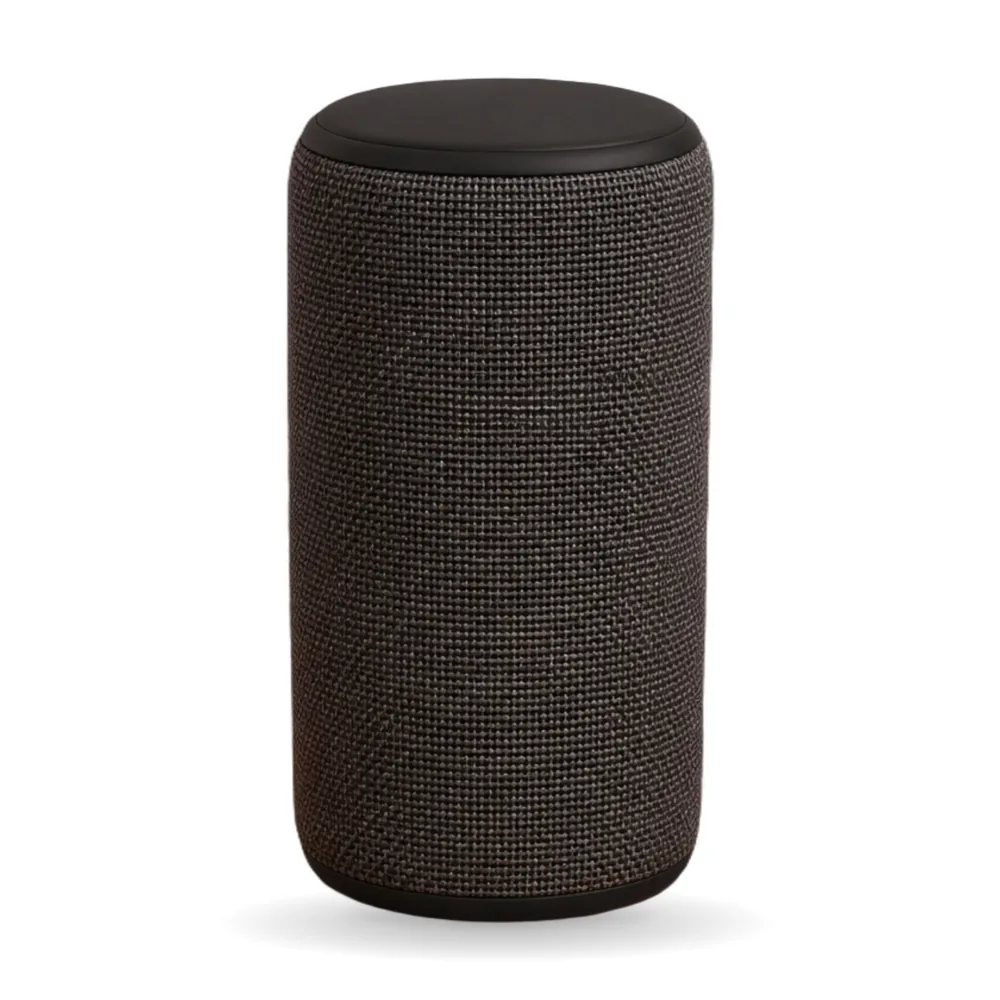
Clear the frame before you shoot. The background remover keeps everything that looks like an object: a cable or a pair of socks next to your product stays in the cut-out.
What should the other Amazon images show?
The additional images can have any background and may include text. Amazon recommends at least six images and one video, and suggests using them to:
- show the product in use or in a setting, so shoppers can picture using it;
- show different angles, and close-ups of details, textures and features;
- show its size, with dimensions or next to a familiar object;
- explain the key benefits with infographics, with text large enough to read on a phone.
On every image, main or not, Amazon doesn’t allow customer reviews or star ratings, prices, Amazon logos or badges such as Best Seller, or the seller’s contact details.
Why do Amazon main images get rejected?
Images that don’t meet the rules may be rejected, removed or altered, and a non-compliant main image can get the listing suppressed: hidden from search and browse results, so shoppers can’t find it. The usual reasons are:
- a background that isn’t pure white, such as off-white, light grey, or the edge of a white sheet;
- a product that is too small in the frame;
- text, logos, badges, borders or watermarks;
- props or accessories that aren’t included;
- several views of the product in one image;
- the product still in its packaging.
To find suppressed listings, go to Inventory, Manage All Inventory, and select Search Suppressed and Inactive Listings, or open the Fix Your Products page. Fix the image and upload it again: Amazon’s message asks you to submit a compliant image to lift the suppression.
Can you use AI-edited images on Amazon?
Yes, as long as they show the product accurately. An Amazon staff member explained in July 2026 that simple AI retouching, such as background removal, colour correction and lighting adjustments, is treated the same as traditional photo editing, as long as the final image accurately represents the product.
One rule is new in 2026: images and videos that contain photorealistic AI-generated people must be tagged with the keyword contains-synthetic-performer in their metadata before you add them to a listing. Photos with no people, or with real people edited with AI, don’t need the tag.
Frequently asked questions
Does Amazon allow shadows on the main image?
Yes, minimal ones. Amazon’s staff point to its rule that allows “minimal shadows around the product”; the rest of the background must still be pure white.
What size should Amazon product images be?
Between 500 and 10,000 pixels on the longest side. Above 1,000 pixels shoppers can zoom, and Amazon recommends 1,600 pixels or more, so a 2000 × 2000 square is a safe choice.
What does RGB 255, 255, 255 mean?
Pure white: the highest value of red, green and blue. A white sheet or wall usually comes out light grey in a photo, so replace the background rather than relying on it.
Can I put text or a logo on the main image?
No. Text, logos, badges, borders and watermarks aren’t allowed on the main image. Put text in the additional images, for example as an infographic.
How many images should an Amazon listing have?
At least one is required, and Amazon recommends at least six images and one video. There are slots for a main image and eight more.
Can I use a model or a mannequin?
It depends on the category. Adult clothing is shown on a standing model and children’s clothing laid flat without one; for other categories, check Amazon’s style guide.
Is the editor free?
Yes. The Change Background editor is free, and you can download the result as PNG, JPG or WebP. On Remove Background, the preview is free and a full-resolution download costs 1 credit.
Sources
- Amazon Seller Central: Product image requirements sellercentral.amazon.com
- Amazon: How to take product photos sell.amazon.com
- Amazon Seller Forums: Product image requirements, the November 2024 update sellercentral.amazon.com
- Amazon Seller Forums: Image requirements summary (March 2025) sellercentral.amazon.co.uk
- Amazon Seller Forums: Product image requirements and best practices (December 2025) sellercentral.amazon.com
- Amazon Seller Forums: Product photography standards, what’s new in 2026 sellercentral.amazon.com
- Amazon Seller Forums: White backgrounds and minimal shadows sellercentral.amazon.com
- Amazon Seller Forums: Off-white and grey backgrounds are rejected sellercentral.amazon.com
- Amazon Seller Forums: Lifestyle main images for beds, rugs and sofas sellercentral.amazon.com
- Amazon Seller Forums: Main image rules and file names sellercentral.amazon.com
- Amazon Seller Forums: Suppressed products with existing inventory sellercentral.amazon.com
- Amazon Seller Forums: AI retouching and image sizes (July 2026) sellercentral.amazon.com
- Amazon Seller Forums: You must now tag AI-generated people in listings sellercentral.amazon.com
- Amazon: Clothing image style guide m.media-amazon.com
- Amazon Selling Partner API: Submit media attributes developer-docs.amazon.com
The example speaker is an AI-generated photo. Its background was removed and replaced with ChangeBackground’s own tools, exactly as described above; the example with props is the background remover’s own cut-out of the whole shelf. Amazon’s help pages open only after signing in or in a browser, so the rules are quoted from Amazon’s own readable pages, checked on 25 November 2026. We are not affiliated with Amazon.